
Windows Update, error codes, and updates that seem stuck
Windows Update keeps the system current with fixes, security patches, and some drivers. Understanding how it works — quality versus feature updates, background downloads, and error codes as clues — makes a stalled update or a cryptic code far less alarming.

The places that matter
A quick orientation to the screens and tools this topic refers to.
Windows Update settings
Where updates are checked, downloaded, and installed, and where history and pauses live.
Update history
A record of what installed successfully and what failed, often with an error code to interpret.
Optional / driver updates
A separate area where some tested driver updates are offered for your hardware.
Active hours & pause
Controls that shape when updates install and let you defer them for a while.
The ideas behind it
Understand these and the rest of the topic falls into place.
Fixes and security
Updates deliver bug fixes and security improvements that keep the system stable and protected.
Quality vs feature
Small, frequent quality updates differ from larger feature updates that arrive less often.
Codes are clues
An error code is a pointer to a category of issue rather than a dead end.
Staged then applied
Updates download and prepare in the background, then finish during a restart.
What Windows Update delivers
Windows Update is the built-in service that keeps the operating system current. It provides quality updates — smaller, frequent packages with bug fixes and security patches — and, less often, feature updates that add or change functionality. It can also deliver some drivers that have been tested for your hardware.
Updates run largely in the background: they are downloaded, staged, and then applied, often finishing during a restart. Much of the time you only notice them when a restart is requested.
Quality updates versus feature updates
It helps to separate the two kinds. Quality updates are the routine, frequent ones — small packages focused on fixes and security. They install quickly and rarely change how anything looks. Feature updates are larger, less frequent releases that can add capabilities or refresh the interface, and they take longer to install.
This distinction explains why some updates are done in minutes while others take much longer and involve several restarts. Knowing which type you are installing sets the right expectation for how long to wait.
- Quality updates: small, frequent, fixes and security.
- Feature updates: larger, occasional, new capabilities.
- Feature updates take longer and may restart more than once.
Why an update can look stuck
A progress percentage that sits still for a while does not always mean the update has failed. Some phases involve a lot of background work with little visible change, so patience is often warranted before concluding anything is wrong.
That said, genuine stalls do happen, usually tied to download issues or components the update depends on. The update history and any accompanying error code help distinguish a slow phase from a real problem.
Understanding error codes
Windows Update error codes look cryptic but are essentially labels for categories of issues. A code such as 0x80070002 typically relates to missing or misplaced files, while 0x800f081f often points to a required component that could not be found. The exact meaning varies, but the code narrows the search.
Treating a code as a clue rather than a verdict is the healthier mindset. It tells you which area to read about — downloads, components, or storage — instead of leaving you guessing.
Rollbacks and 'Undoing changes'
Occasionally a restart shows 'Undoing changes'. This means Windows attempted an update, detected that installation did not complete cleanly, and returned the system to its previous working state. It is a safety mechanism, not a breakage, and it leaves you where you started rather than half-updated.
Because a failed update may be offered again, the same item can reappear until it installs successfully. Understanding rollback as protection — rather than failure — takes a lot of the worry out of seeing that message.
- Windows Update delivers fixes, security patches, and some tested drivers.
- Quality updates are small and frequent; feature updates are large and occasional.
- A frozen percentage is often background work, not a true stall.
- Error codes are category clues, not dead ends.
- 'Undoing changes' is a safe rollback that restores your previous state.
Common symptoms
Recognisable signs related to this topic, and what they generally point to.
Update stuck at a percentage
Progress can pause while work continues in the background; genuine stalls have recognisable patterns.
Error codes like 0x800f081f
Specific codes generally map to categories such as missing components or download problems.
'Undoing changes' on restart
Windows can roll an update back if installation did not complete cleanly, returning to the prior state.
The same update keeps offering
An update that fails to complete may be presented again until it installs successfully.
Not enough space to update
Feature updates need working room; a full drive can block installation until space is freed.
Educational, not step-by-step
This topic explains concepts in general terms. Exact menus, wording, and steps differ by brand, model, and software version — always follow the official documentation for your specific device. Handy Guide does not provide repair, remote access, or paid support.
Frequently asked
Quality updates are small and frequent, delivering fixes and security patches. Feature updates are larger, arrive less often, and can change or add functionality.
Not necessarily. Some phases do a lot of background work with little visible progress. The update history helps tell a slow phase from a genuine stall.
Codes are labels for categories of issues — such as missing files or components — so they point you to the right area to read about rather than being a dead end.
Windows found that an update didn't complete cleanly and rolled the system back to its previous state to keep it stable. Nothing is left half-installed.
If an update fails to complete, it can be offered again until it installs successfully.
Yes. Feature updates in particular need working space. Freeing storage often allows an update that was blocked to proceed.
Related topics
 Performance
PC Performance
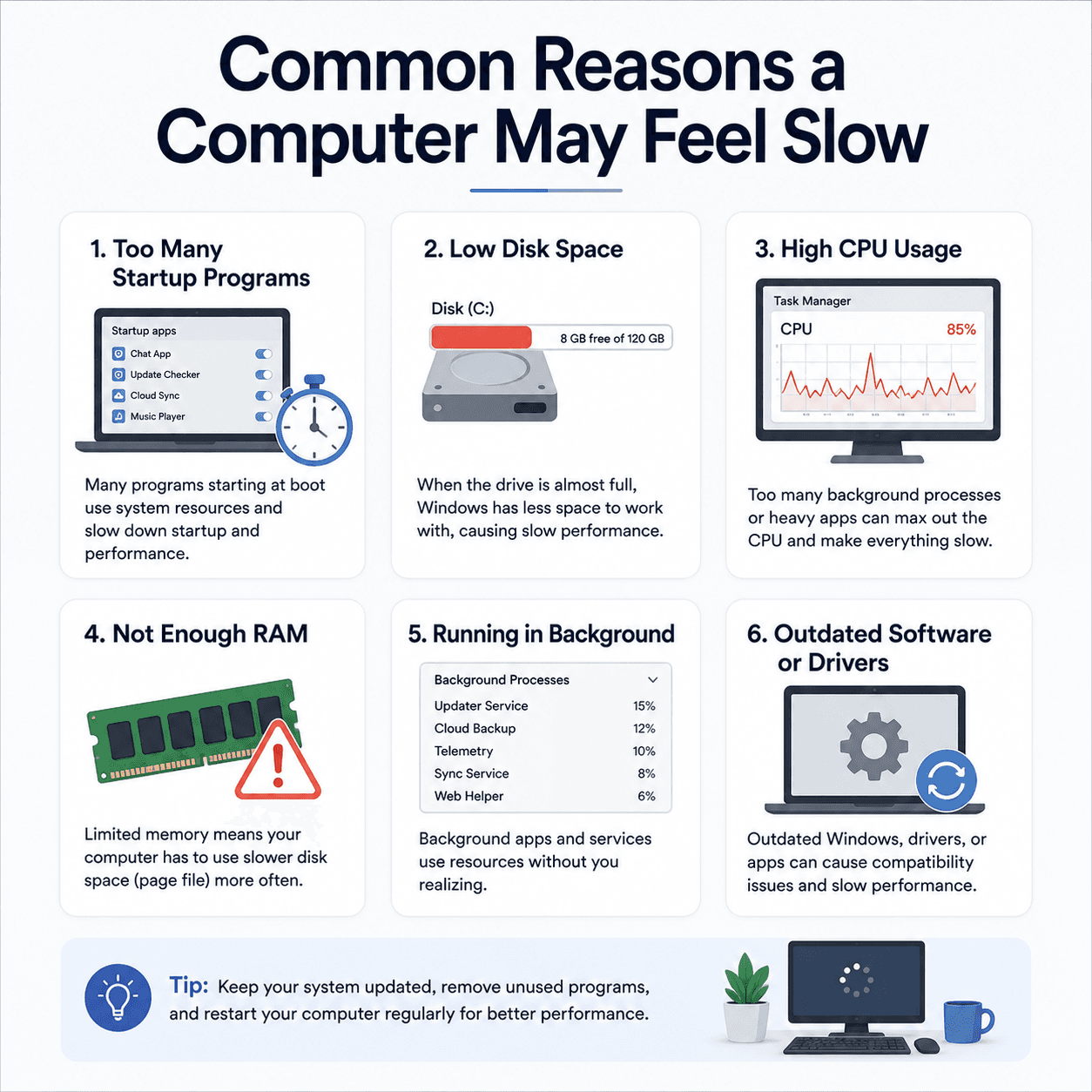
The common, understandable reasons a computer can feel slow — startup apps, disk space, background load, memory — and where drivers genuinely fit into the picture.
Read topic Networking
Network Drivers
How network drivers connect your PC to Wi-Fi and Ethernet, why 'Connected, no internet' points to a specific layer, and how the pieces of the networking stack fit together.
Read topic Printing
Printer Drivers
How printer drivers translate your documents into print, and why an offline status or stuck queue usually traces back to the driver, the spooler, or the connection.
Read topicKeep exploring the library
Every guide is written in plain language, free to read, and focused on helping you understand your devices with confidence.