
Understand your devices, without the jargon.
Handy Guide is a free, beginner-friendly library that explains how everyday technology really works — printers, Wi-Fi, email, drivers and Windows updates — in plain, calm language written by people who remember what it's like to be stuck.

Learn common device topics with Handy Guide
Pick the area you're curious about. Each path leads to clear explanations of how that part of your device works — and why it sometimes behaves unexpectedly.

Printer help
Offline status, the print queue, and driver basics — explained calmly.
Explore
Router & Wi-Fi
Home networks, signal, and why 'connected, no internet' happens.
Explore
Email basics
Accounts, sync, ports, and the reason mail gets stuck in the Outbox.
Explore
PC performance
Startup load, disk space, and the honest reasons a computer feels slow.
ExploreFrom device confusion to clarity
Handy Guide is built around a simple learning path — start with what you notice, and build understanding step by step.
Start with a symptom
Describe what you actually see on screen — a message, a status, or a behaviour.
Read the concept
Learn what's really happening underneath in clear, jargon-free language.
Understand the role
See how drivers, settings, and connections fit together for your device.
Explore further
Follow related topics and articles to build a fuller picture at your pace.
The symptom finder
Not sure where to look? Describe what's on your screen — a status, a message, or a behaviour — and jump straight to the guide that explains it.
Printer status shows “Offline”
Windows can't currently reach the printer — usually a connection or spooler state, not a fault.
Print queue is frozen and won't clear
A single stuck job can hold up everything behind it in the queue.
Printer only prints blank pages
Often a supply issue or a page rendered without visible content.
Wireless printer isn't found
The printer and computer may be on different networks, so the PC can't see it.
Wi-Fi says “Connected, no internet”
The local link works but requests aren't reaching the wider internet — often IP or DNS.
Router settings page won't open
Commonly the wrong address for that model, or not being on the router's network.
Wi-Fi signal drops between rooms
Distance and walls weaken the signal, and devices can cling to a weak connection.
A device can't join the Wi-Fi
Usually an incorrect password or a mismatch in the security type.
Emails are stuck in the Outbox
Sending uses the outgoing (SMTP) server, so this points there rather than to receiving.
New mail isn't arriving
A receiving-side issue tied to the incoming server, sync interval, or settings.
Server authentication fails
A mismatch in ports, security type, or credentials can block sign-in to the server.
Computer is slow to start up
Many startup programs and background services extend the time to a usable desktop.
High CPU or disk usage
A single busy process can make the whole system feel unresponsive until it settles.
Low storage space warnings
When the system drive fills up, routine tasks that need temporary space slow down.
Update stuck at a percentage
Progress can pause while background work continues; genuine stalls have patterns.
Error code like 0x800f081f
Specific codes generally map to categories such as missing components or downloads.
“Undoing changes” on restart
Windows can roll an update back if installation didn't complete cleanly.
USB device shows as “unknown”
Windows detected the device but couldn't match it to a driver.
Scanner detected but won't scan
The hardware is seen, but the app can't start a scan — often an imaging-standard gap.
Popular topics to explore
In-depth, plain-language explainers for the devices and systems people ask about most.
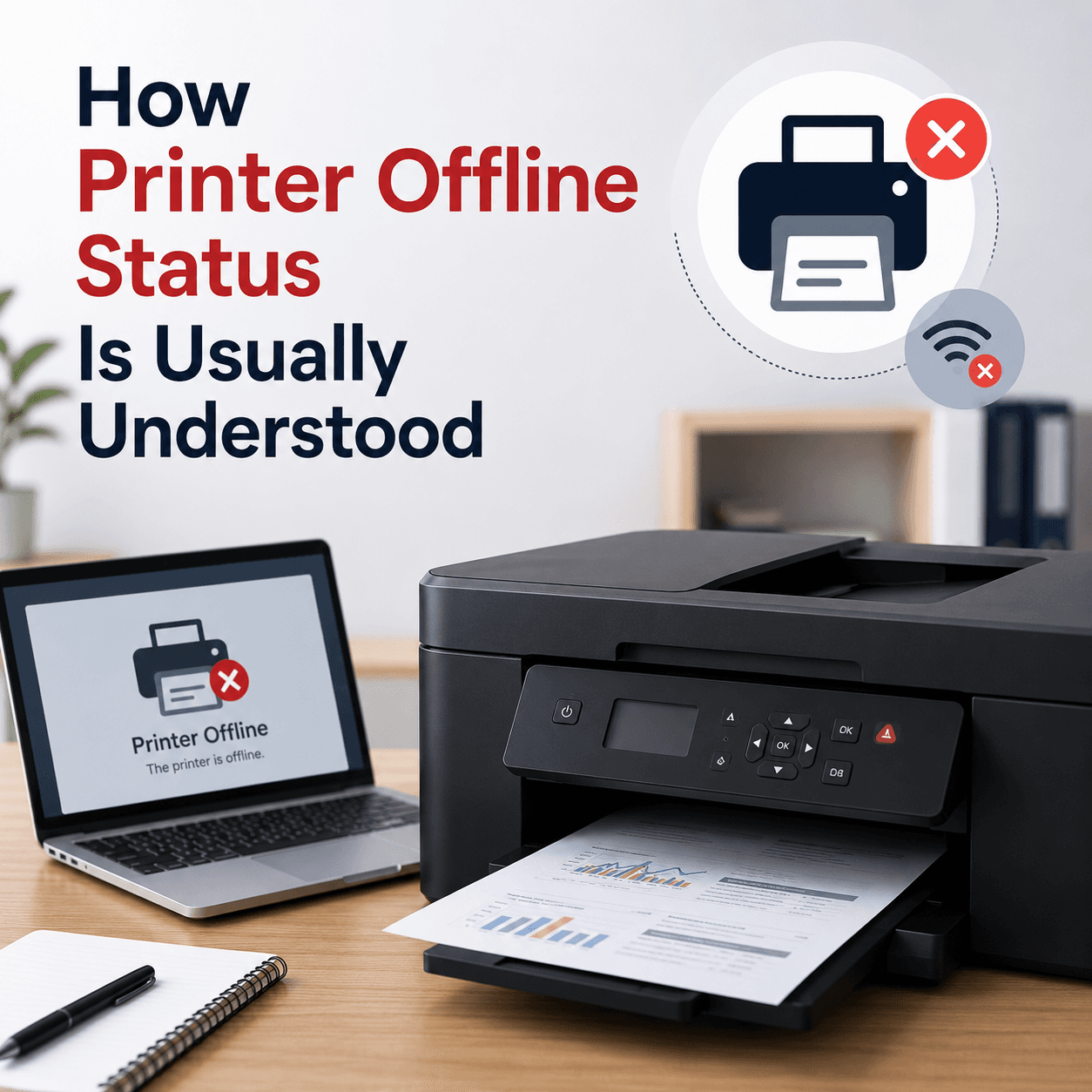 Printing
Printer Drivers
How printer drivers translate your documents into print, and why an offline status or stuck queue usually traces back to the driver, the spooler, or the connection.
Read topic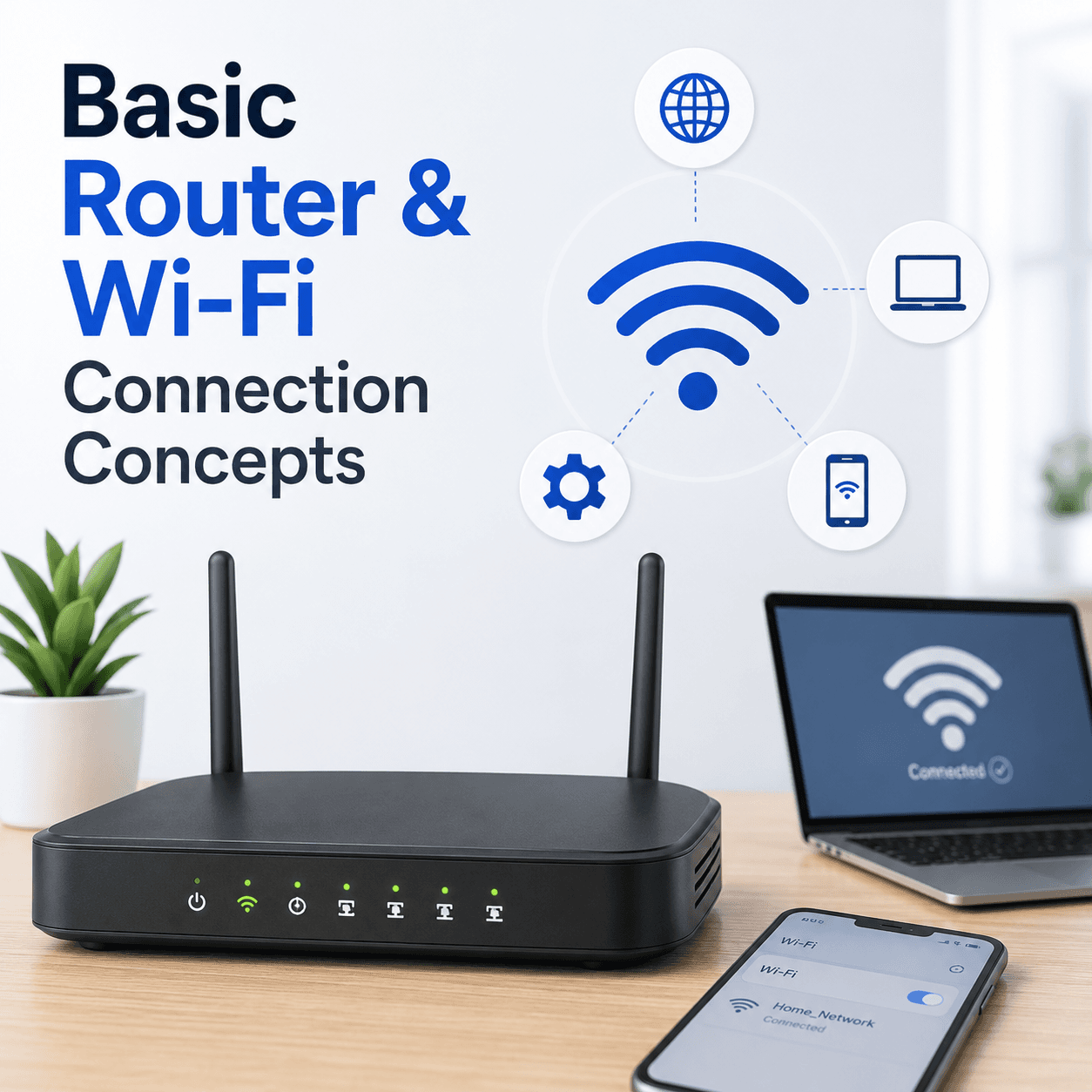 Networking
Router & Wi-Fi
How a router creates your home network, what the admin page is for, why signal and security settings shape your connection, and how bands and channels affect everyday Wi-Fi.
Read topic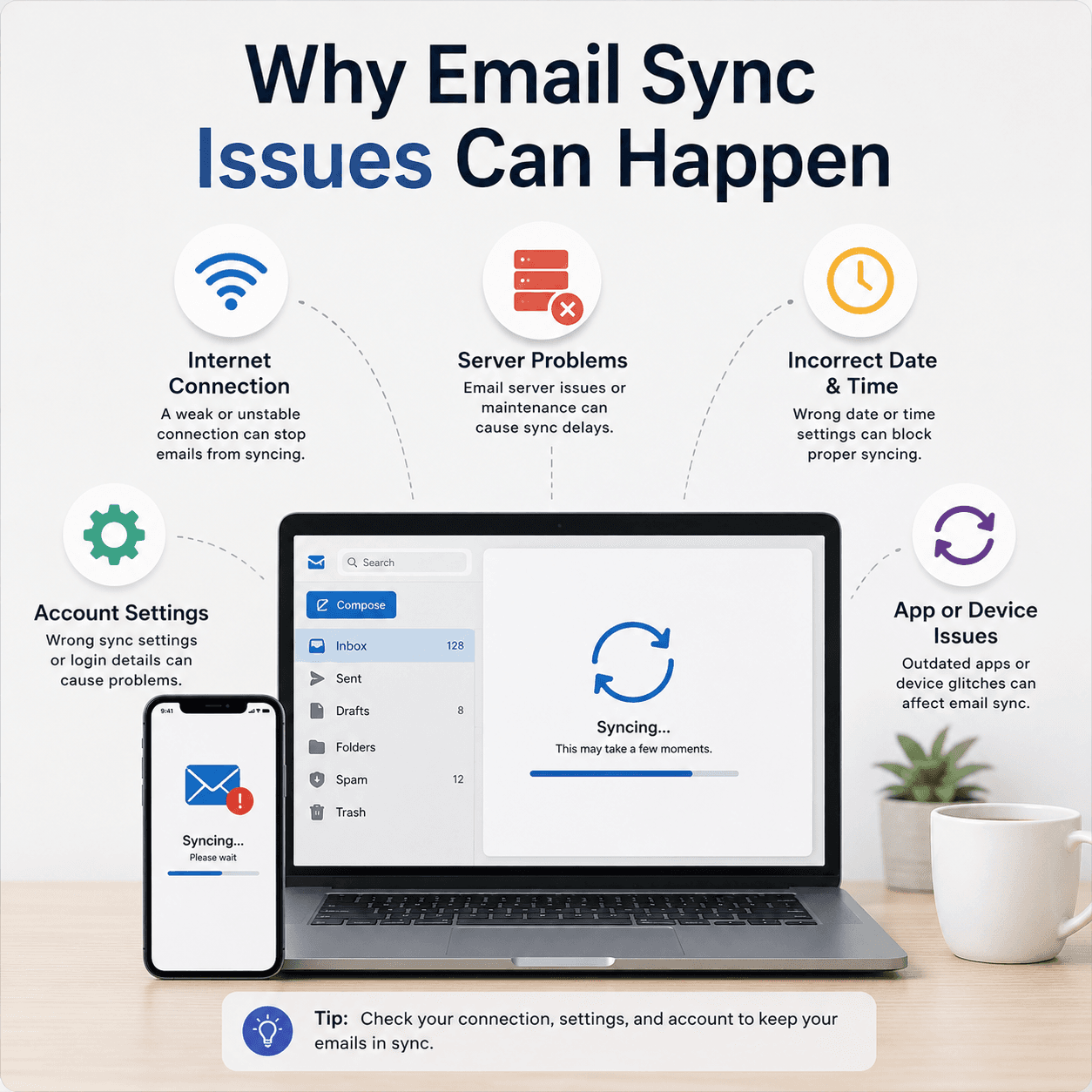 Communication
Email Basics
How email accounts sync, what ports and protocols like IMAP, POP, and SMTP do, why messages stall in the Outbox, and how incoming and outgoing paths fail independently.
Read topic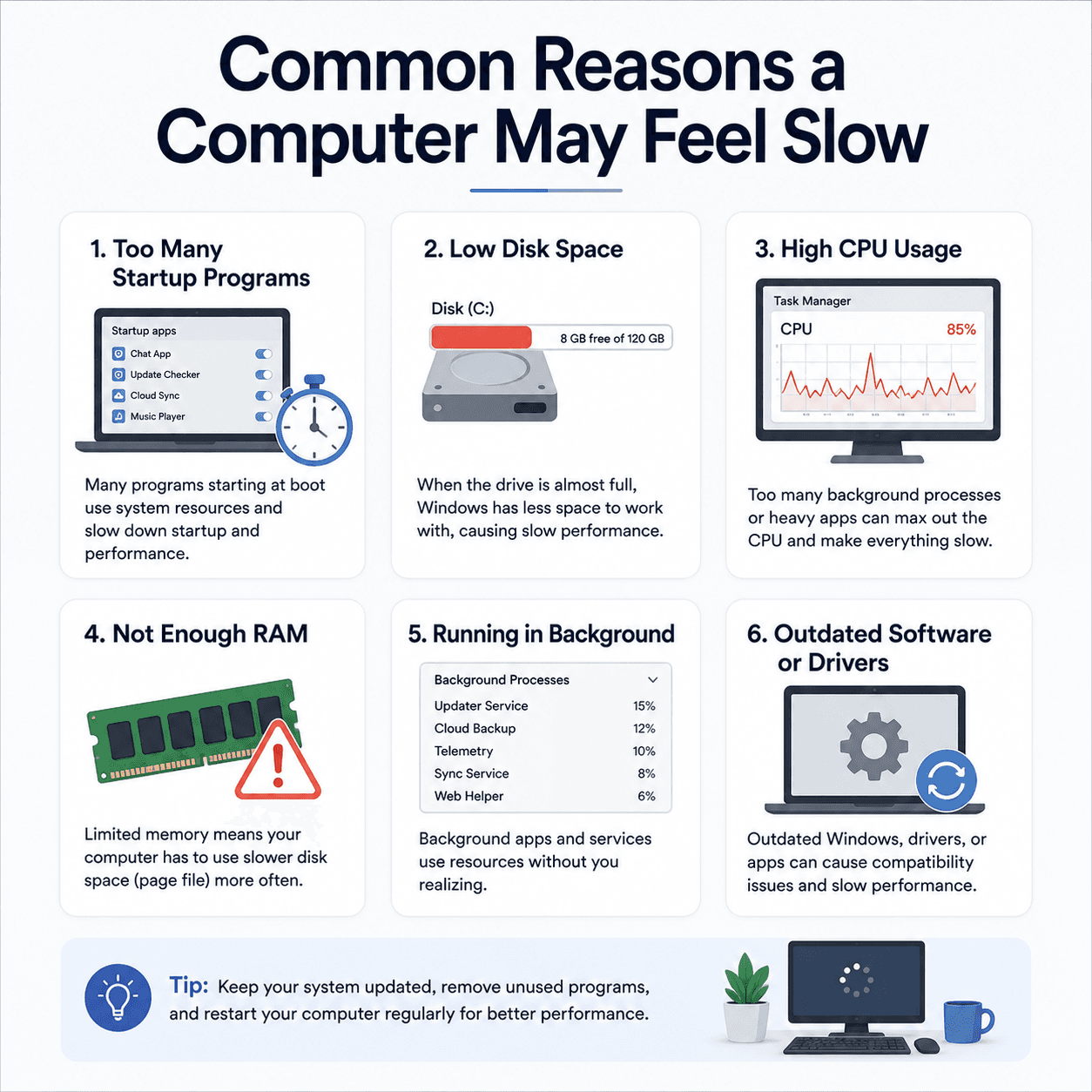 Performance
PC Performance
The common, understandable reasons a computer can feel slow — startup apps, disk space, background load, memory — and where drivers genuinely fit into the picture.
Read topic System
Windows Update
How Windows Update delivers fixes and drivers, why an update can appear stuck, what common error codes point to, and what happens when Windows rolls a change back.
Read topicA calmer way to understand your devices
Technology doesn't have to be intimidating. Handy Guide is designed to make everyday tech feel approachable.
Beginner friendly
No assumed knowledge. Every term is explained the first time it appears, so you're never left behind.
Education first
We explain how things work rather than pushing tools. Understanding is the whole point.
Free to explore
The entire library is free to read, with no accounts, no downloads, and no sales pressure.
Frequently asked questions
Yes. Every topic, guide, and article is free to read. There are no accounts to create, nothing to download, and nothing for sale.
No. We are a purely educational resource. We do not sell software, provide phone or remote support, perform repairs, or offer paid troubleshooting. We only publish explanations.
No. Handy Guide is independent and not affiliated with, endorsed by, or sponsored by any device maker, software publisher, or operating system vendor. Brand names are used for identification only.
Our content is general and conceptual. Exact menus and steps vary by brand, model, and software version, so always follow the official documentation for your specific hardware.
Start with what you can see — an error message, a status like 'offline', or a behaviour. Filter by category or search a keyword, then open the guide that matches to learn what's happening.
Latest learning articles
Longer reads that dig into a single question and explain it thoroughly.
 Printing
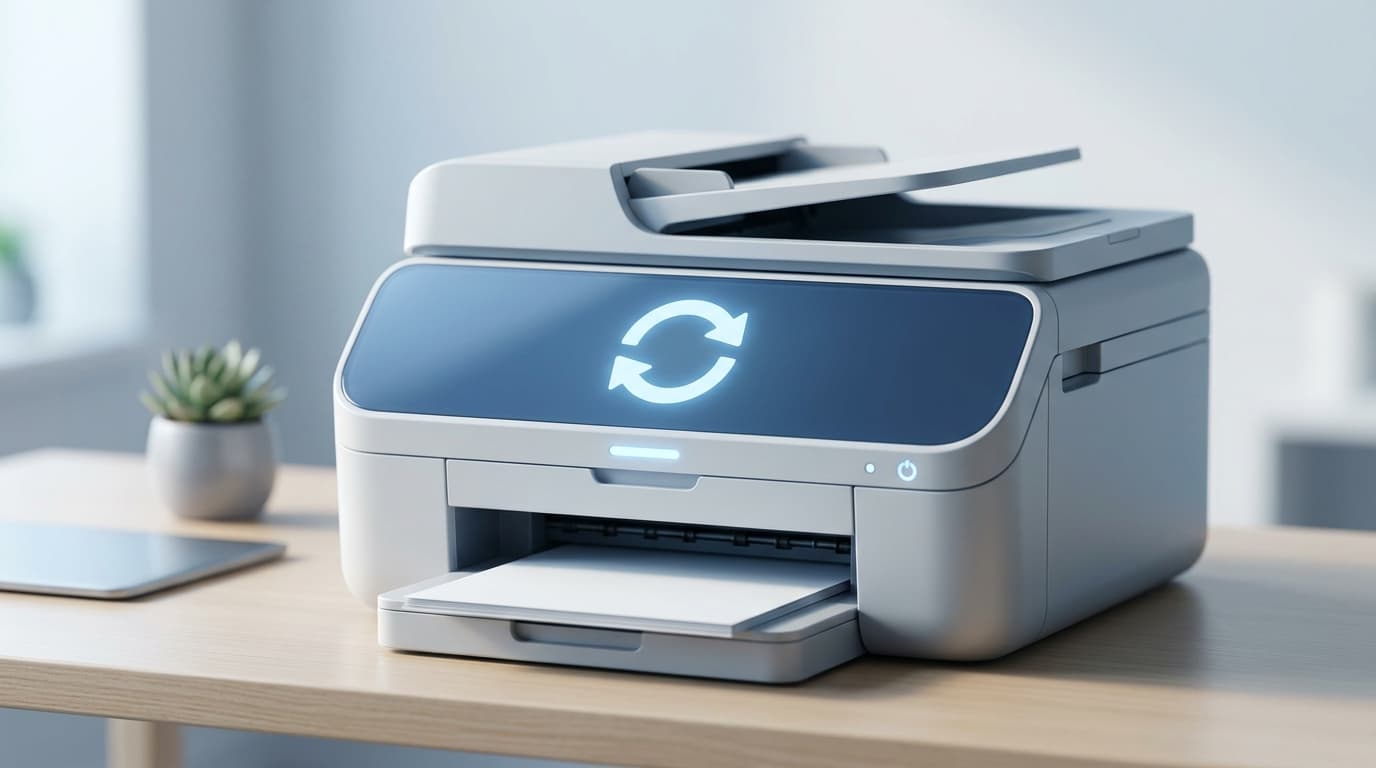
How to Reset a Printer to Factory Defaults
What a factory reset does, when it can help, the difference between a soft and hard reset, and the general steps involved in returning a printer to its original settings.
 Networking
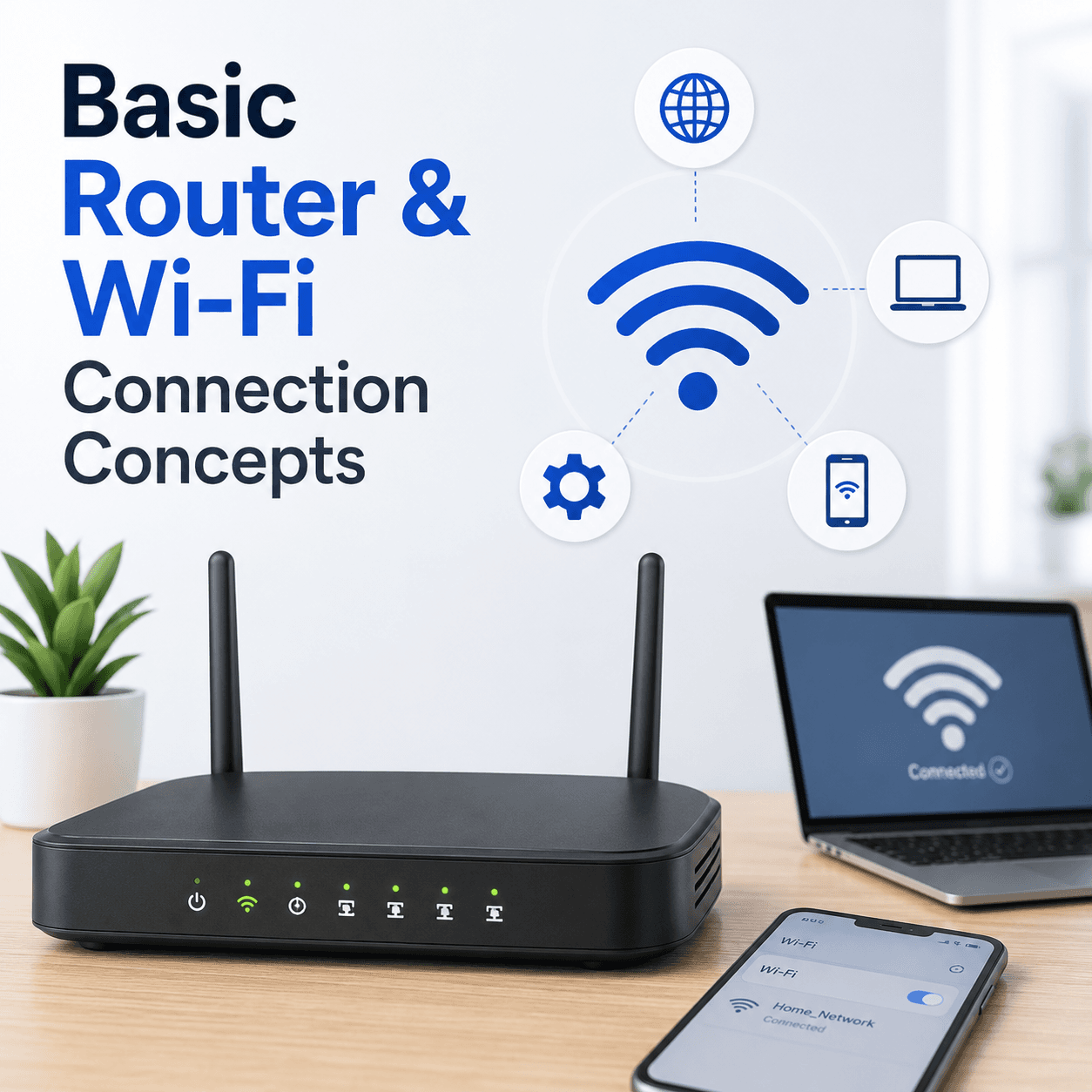
Basic Router and Wi-Fi Connection Concepts
A plain-language tour of how a router builds your home network, what the admin page is, why bands and channels matter, and how to tell a router problem from an internet problem.
 Email
EmailUnderstanding Email Sync Port Configurations
What ports and protocols do in email, how incoming and outgoing servers differ, why encryption settings must match the provider, and how to read a sign-in failure.
 Performance
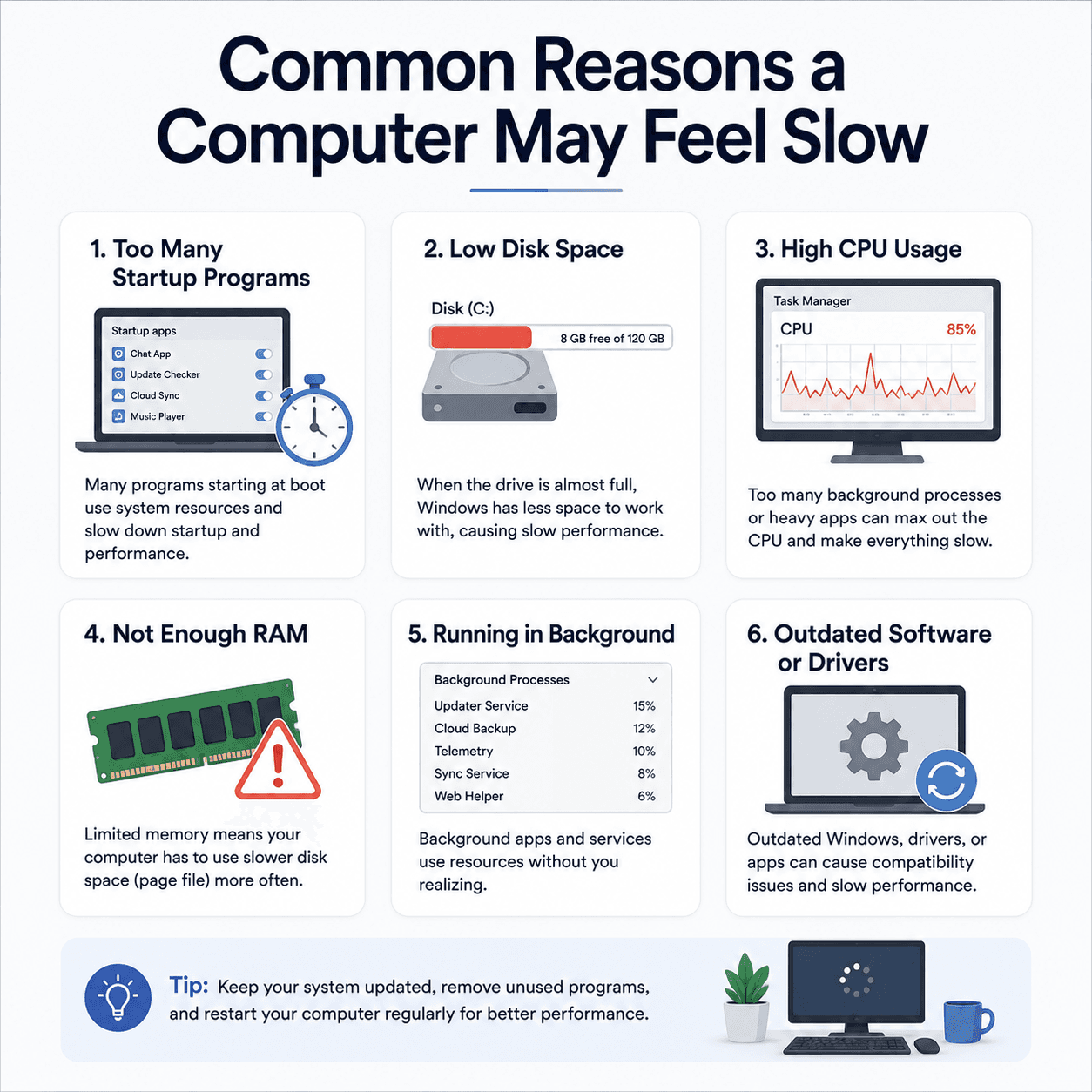
Common Reasons a Computer May Feel Slow
The everyday factors that add up to a sluggish PC — startup load, disk space, memory, background activity, and heat — explained clearly and without alarm.
 Email
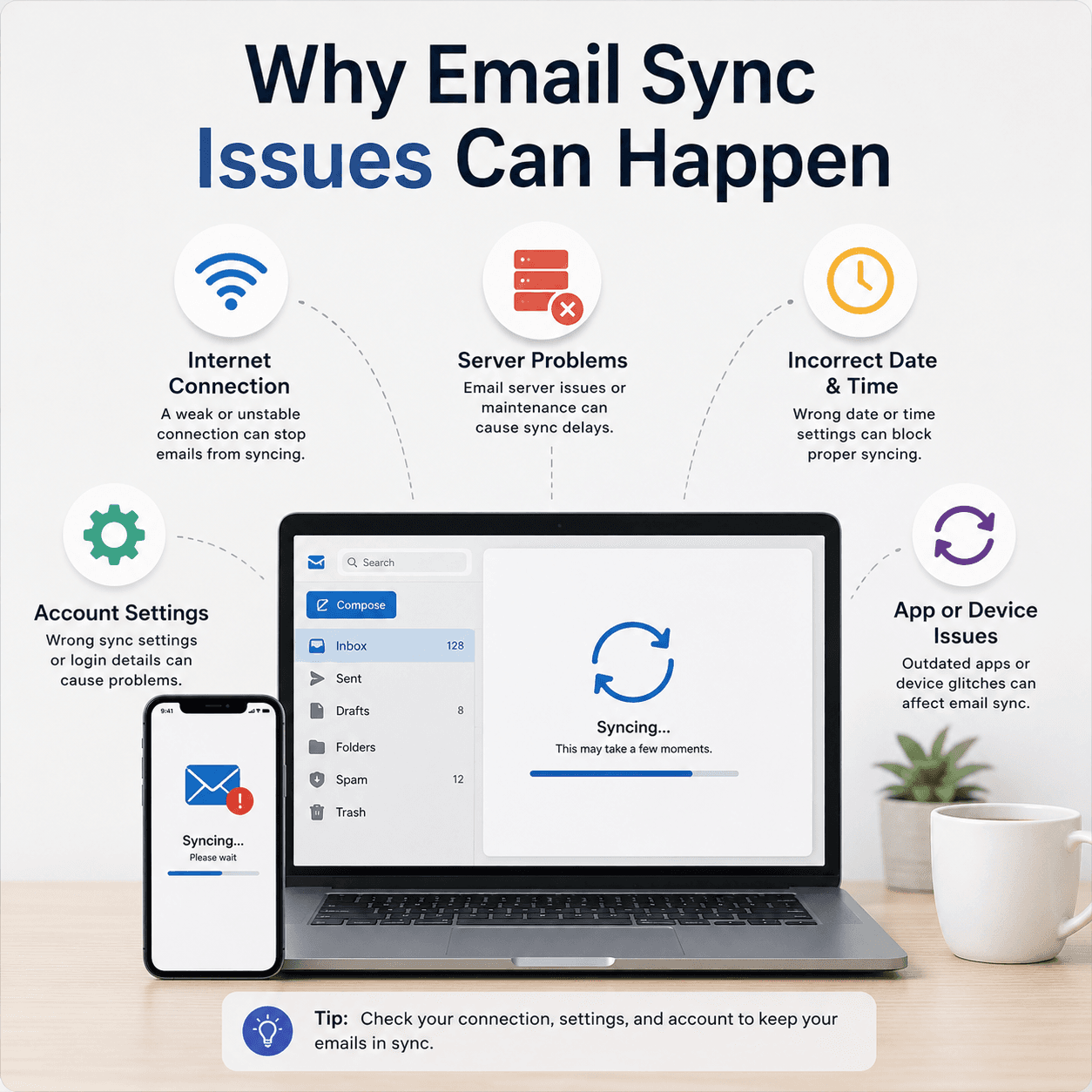
EmailWhy Email Sync Issues Can Happen
The reasons an inbox can stop updating — sync intervals, server-side pauses, account settings, and connection issues — and how to reason about each one.
 System
How the Windows Registry Stores Device Settings
A gentle explanation of what the registry is, how it is organised into keys and values, why it matters for devices and drivers, and why it is treated with care.
Keep exploring the library
Every guide is written in plain language, free to read, and focused on helping you understand your devices with confidence.