
Understanding Wireless Network Security Settings
7 min read · Updated 2026
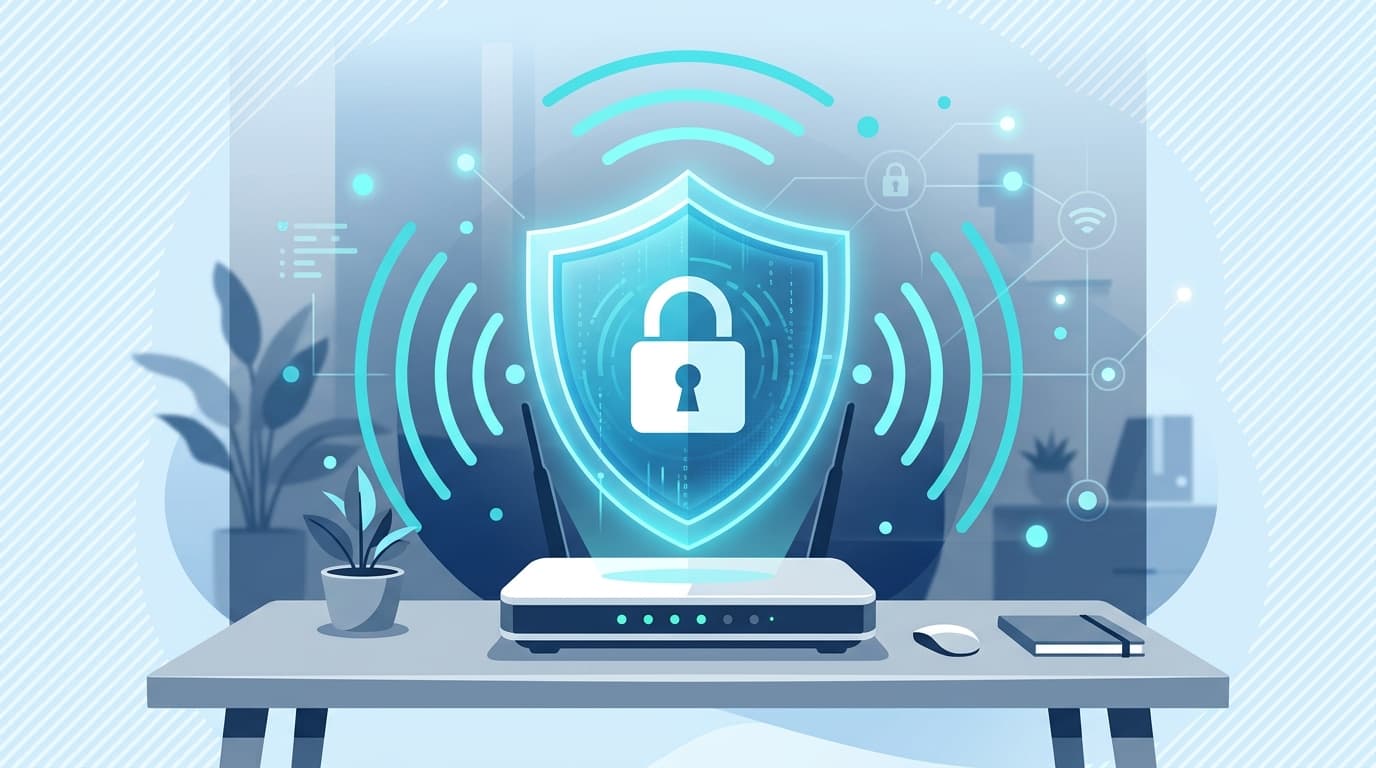
Wi-Fi security settings decide who can join your network and keep your traffic private. A little understanding here explains both why they matter and why they sometimes block a connection.
These settings are less about complexity than agreement: your devices and your router need to agree on how to secure the connection. When they do, joining is seamless; when they do not, a device simply refuses.
This guide covers what wireless security does and the common reasons a device cannot join.
Encryption
Scrambles traffic over the air so others nearby cannot read it.
The password
The key that grants access and enables the encrypted link.
Security type
Device and router must agree on the same standard to connect.
What security settings protect
Wireless security does two jobs: it limits who can join your network, and it encrypts the traffic travelling over the air so others nearby cannot read it. The network password is the key that grants access and enables that encryption.
Modern security types are considerably stronger than older ones. Using a current type with a strong, unique password is the simplest way to keep a home network private.
Why a device won't connect
The most common reason a device refuses to join is an incorrect password. Close behind is a mismatch in the security type — if a device expects one standard and the router is set to another, the two cannot agree on how to secure the connection.
Because these are about agreement between device and router, the fix is usually a matter of matching settings rather than anything being broken.
- An incorrect password is the most frequent cause.
- A security-type mismatch stops the two agreeing.
- Older devices may not support the newest security standards.
Old devices and newer security
Security standards evolve, and a very old device may not understand the newest one. If a router is set to a modern-only mode, an older gadget can find itself unable to join even with the right password, simply because it cannot speak the required standard.
This is a common, understandable cause of a single stubborn device failing to connect while everything else works. It is about capability, not a fault, and explains why age can matter on a network.
Keeping a network healthy
A private network is easier to keep reliable. Knowing who is connected, using a strong password, and choosing a modern security type reduce both congestion and risk.
This is background understanding to help you interpret the settings you see, not a call to change anything specific. The aim is confidence in what the options mean.
Passwords versus network names
It is easy to confuse the network name with the password, especially when both are printed on a router label. The name simply identifies which network to join, while the password is the secret that grants entry and secures the link.
Keeping the two distinct in your mind avoids a surprising amount of connection frustration, since typing the wrong one produces exactly the 'won't connect' symptom people find so puzzling.
- Wi-Fi security limits access and encrypts traffic over the air.
- The password is the key that both admits and secures a device.
- A wrong password or a security-type mismatch blocks connection.
- Very old devices may not support the newest security standards.
- The network name identifies; the password grants entry — keep them distinct.
A note on purpose
This article is educational and general in nature. Exact steps and menus vary by device, brand, and software version — always follow the official documentation for your specific hardware. Handy Guide does not offer repair, remote access, or paid support services.
Frequently asked
Most often an incorrect password, or a mismatch between the security type the device expects and the one the router uses.
It limits who can join the network and encrypts traffic over the air so others nearby cannot read it.
A very old device may not support the newest security standard. If the router is set to a modern-only mode, that device cannot join even with the right password.
The name identifies which network to join; the password is the secret that grants access and secures the connection.
Related articles
 Networking
Basic Router and Wi-Fi Connection Concepts
A plain-language tour of how a router builds your home network, what the admin page is, why bands and channels matter, and how to tell a router problem from an internet problem.
 Networking
Understanding DNS and IP Address Resolution
How website names become addresses, what DNS and the DNS cache do, why 'no internet' can point here, and how name resolution fits into a working connection.
 Browser
Understanding Browser Certificate Warnings
What a security certificate is, why a browser might warn you, the common reasons behind those warnings, and how to read them calmly rather than fearfully.