
Learning articles
Longer reads that take a single question and explain it thoroughly, from the concept down to the everyday symptoms.
How to Reset a Printer to Factory Defaults
What a factory reset does, when it can help, the difference between a soft and hard reset, and the general steps involved in returning a printer to its original settings.
All articles
Filter by category or scroll through everything in the library.
 Networking
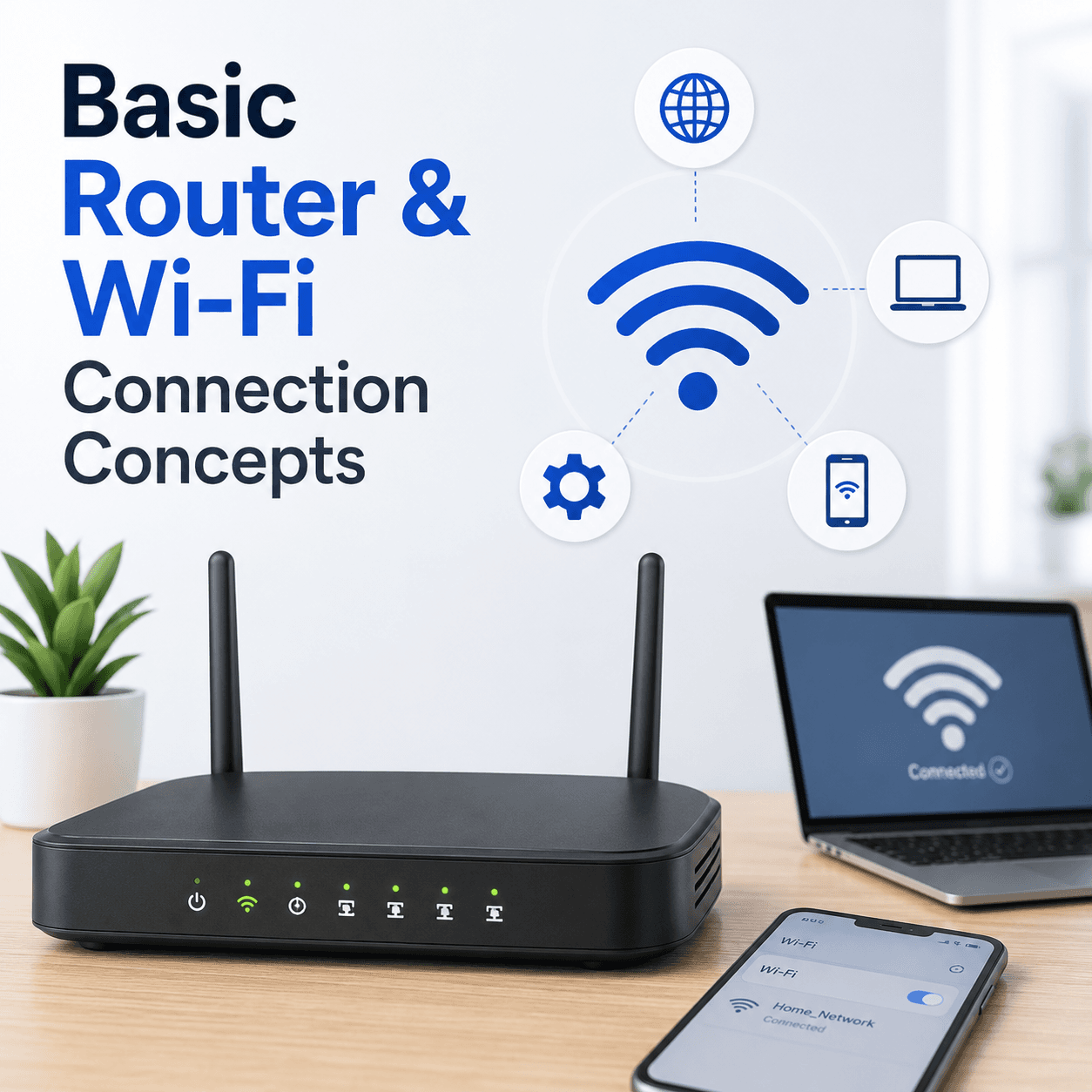
Basic Router and Wi-Fi Connection Concepts
A plain-language tour of how a router builds your home network, what the admin page is, why bands and channels matter, and how to tell a router problem from an internet problem.
 Email
EmailUnderstanding Email Sync Port Configurations
What ports and protocols do in email, how incoming and outgoing servers differ, why encryption settings must match the provider, and how to read a sign-in failure.
 Performance
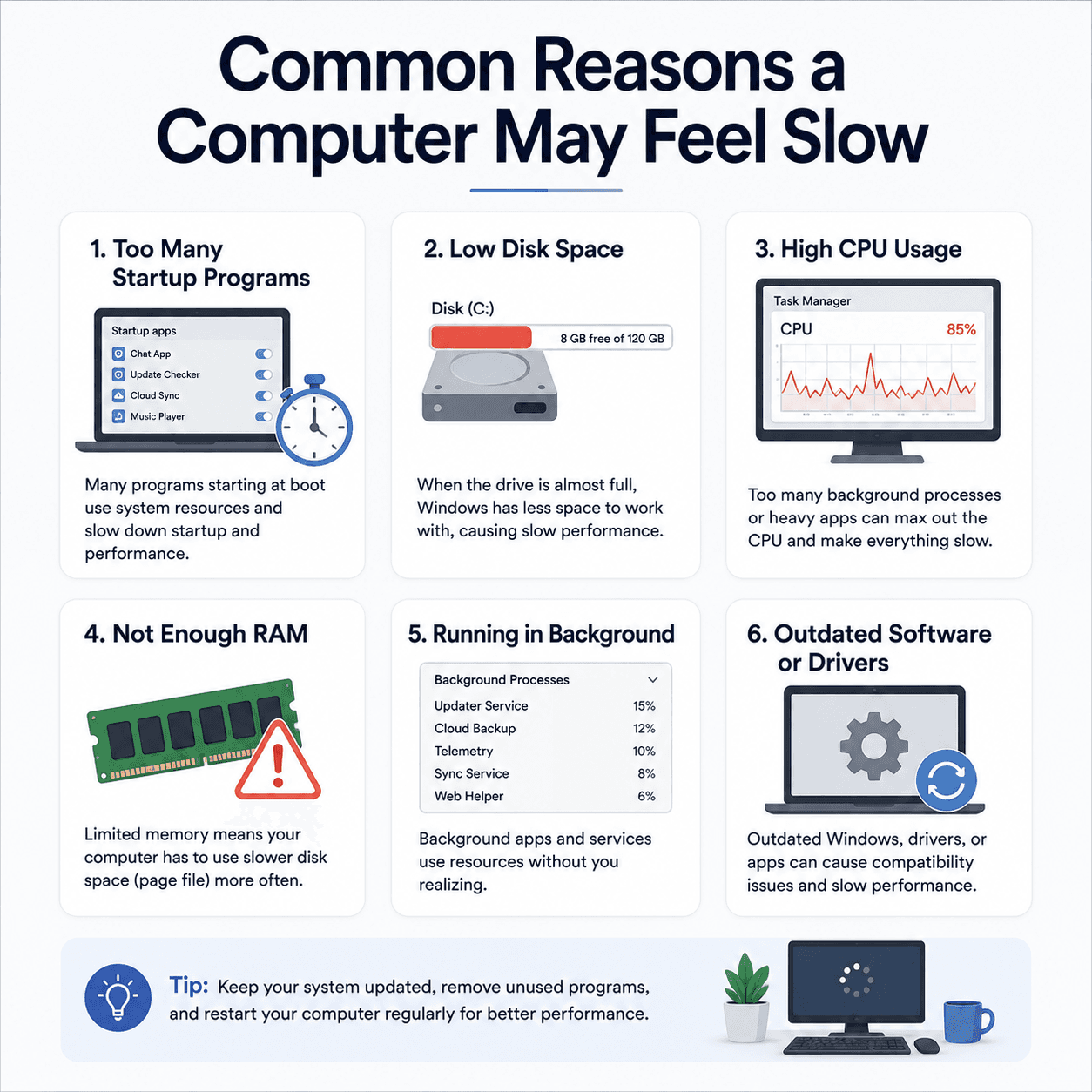
Common Reasons a Computer May Feel Slow
The everyday factors that add up to a sluggish PC — startup load, disk space, memory, background activity, and heat — explained clearly and without alarm.
 Email
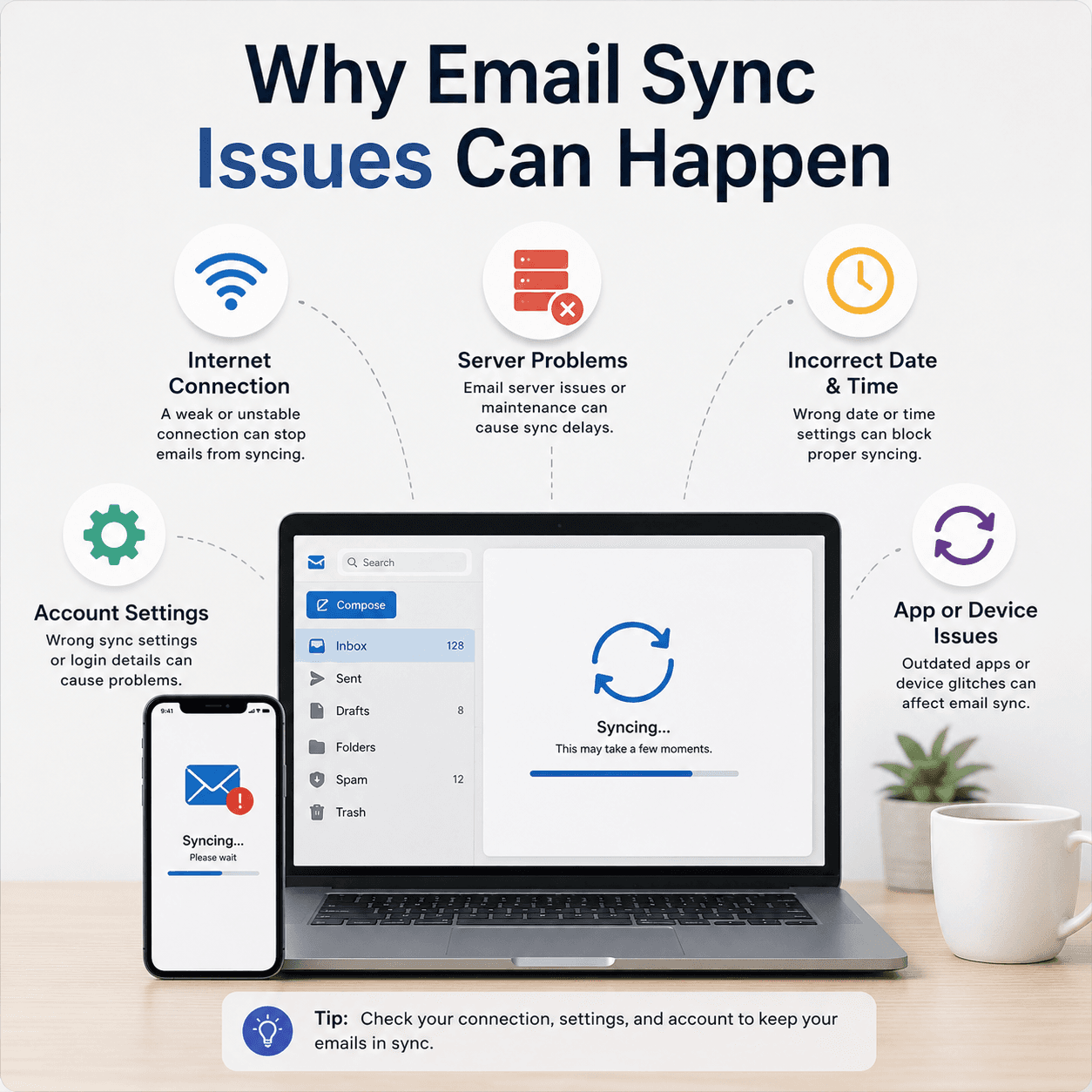
EmailWhy Email Sync Issues Can Happen
The reasons an inbox can stop updating — sync intervals, server-side pauses, account settings, and connection issues — and how to reason about each one.
 System
How the Windows Registry Stores Device Settings
A gentle explanation of what the registry is, how it is organised into keys and values, why it matters for devices and drivers, and why it is treated with care.
 Printing
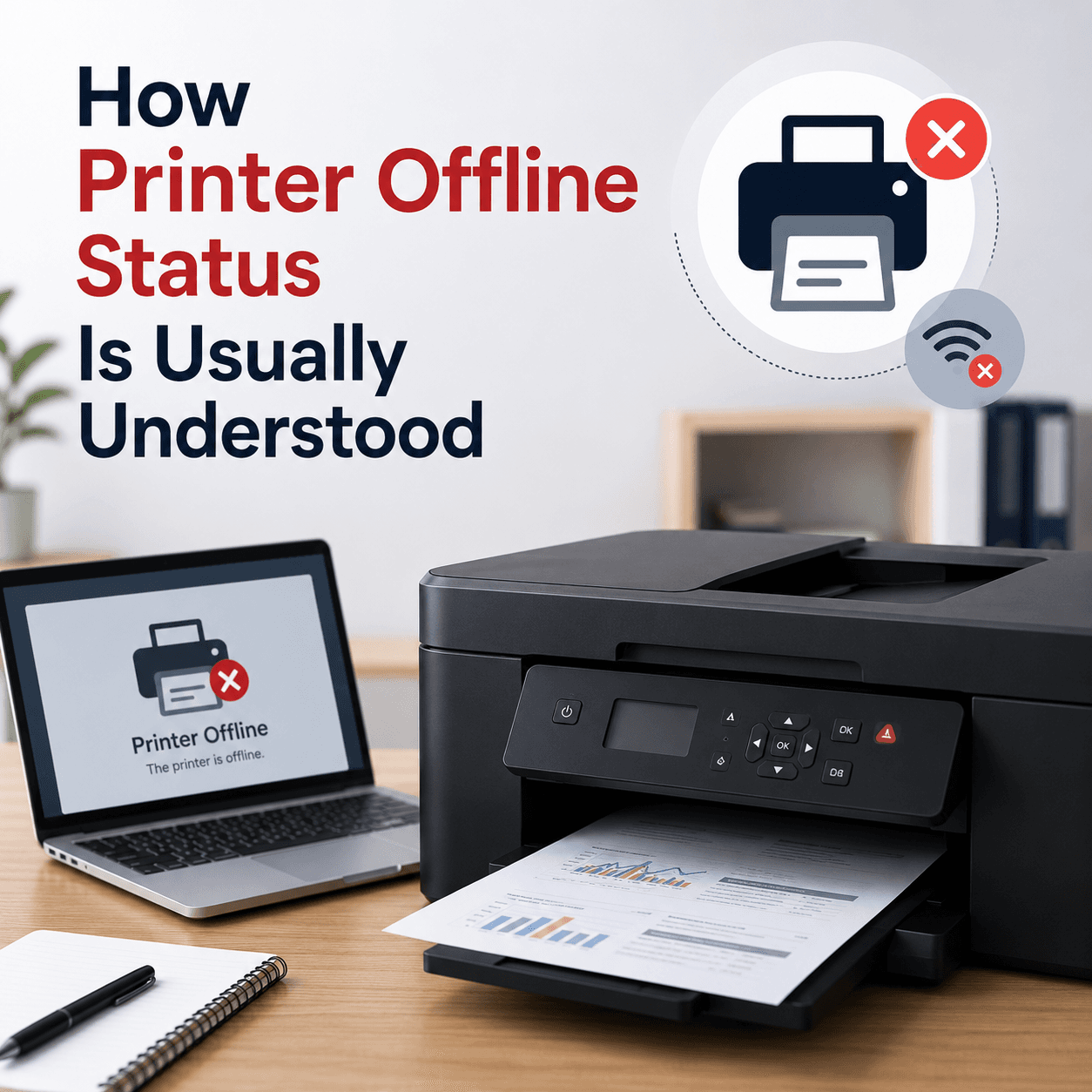
How Printer Offline Status Is Usually Understood
What 'offline' really means, why it differs between USB and wireless printers, how the spooler is involved, and why it is a state rather than a fault.
 System
Understanding Windows Update Services and BITS
The background services that make Windows Update work, what BITS does, how downloads resume, and why services matter when an update stalls.
 System
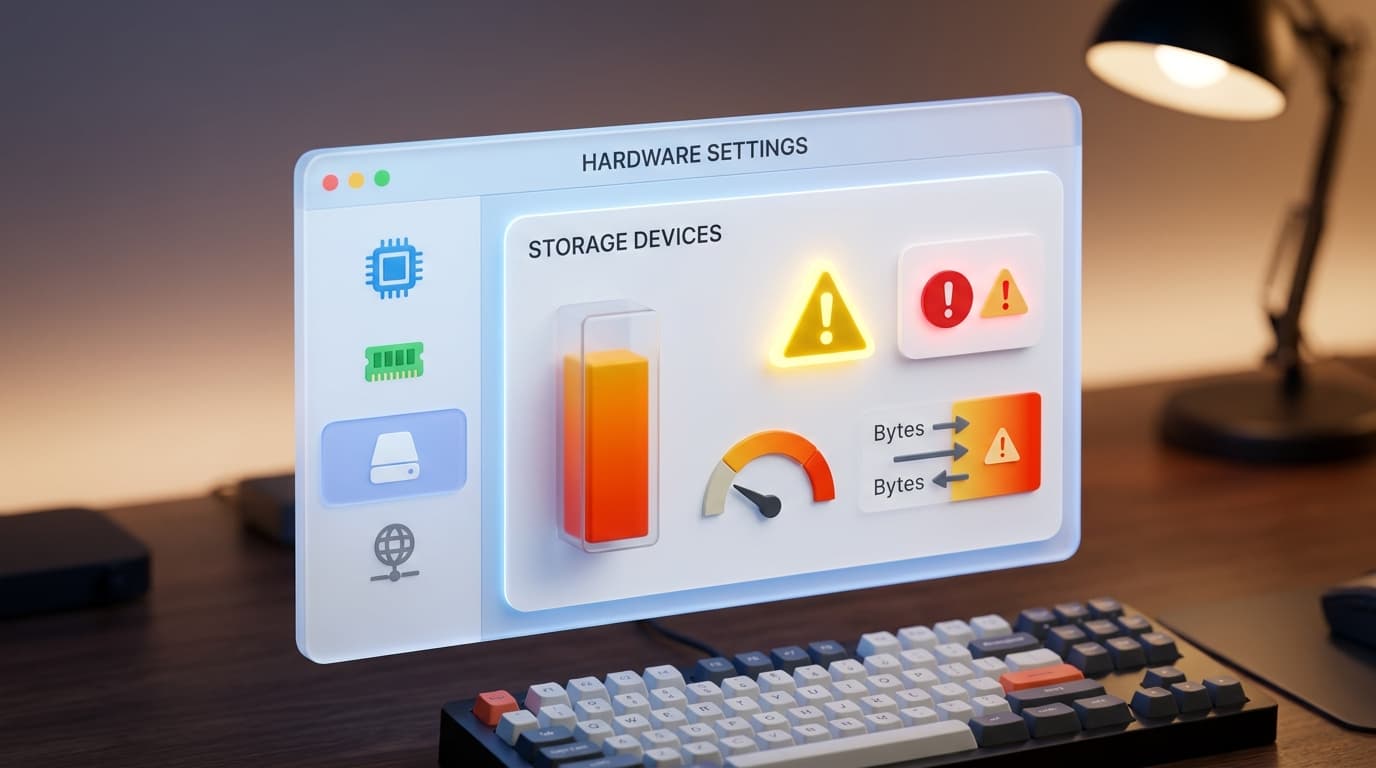
Understanding Device Manager Error Symbols
What the little warning marks in Device Manager mean, how they localise a problem to one device, and how to read them as clues rather than alarms.
 Networking
Understanding DNS and IP Address Resolution
How website names become addresses, what DNS and the DNS cache do, why 'no internet' can point here, and how name resolution fits into a working connection.
 Printing
How to Share a Printer on a Local Network
The concepts behind sharing one printer with several computers, the difference between shared and network printers, and the requirements that make it work.
 Browser
Understanding Browser Certificate Warnings
What a security certificate is, why a browser might warn you, the common reasons behind those warnings, and how to read them calmly rather than fearfully.
 System
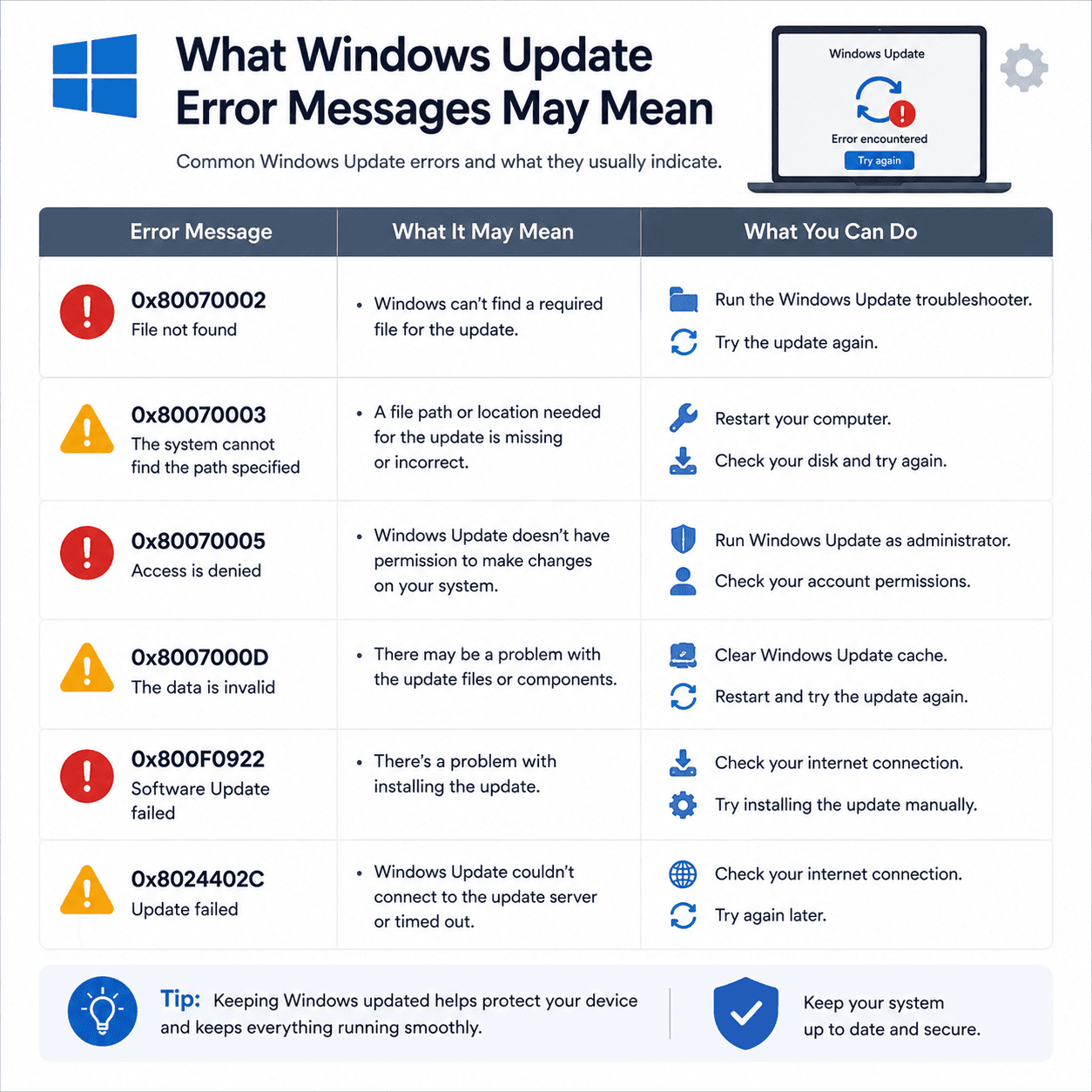
What Windows Update Error Messages May Mean
How to read Windows Update error codes as clues to a category of issue, what common examples suggest, and why rollbacks are a safety feature.
 Networking
Understanding Wireless Network Security Settings
What Wi-Fi security types and passwords protect, why a mismatch can stop a device from connecting, and how to keep a home network private.
 Printing
When a Printer Only Prints Blank Pages
The usual explanations for blank output — ink and toner, protective seals, how a page is rendered, and driver or connection factors — in a clear order.
Prefer topic overviews?
The Driver Topics hub organises the same ideas by device and system, with concept cards and symptom lists.