
Common Reasons a Computer May Feel Slow
9 min read · Updated 2026
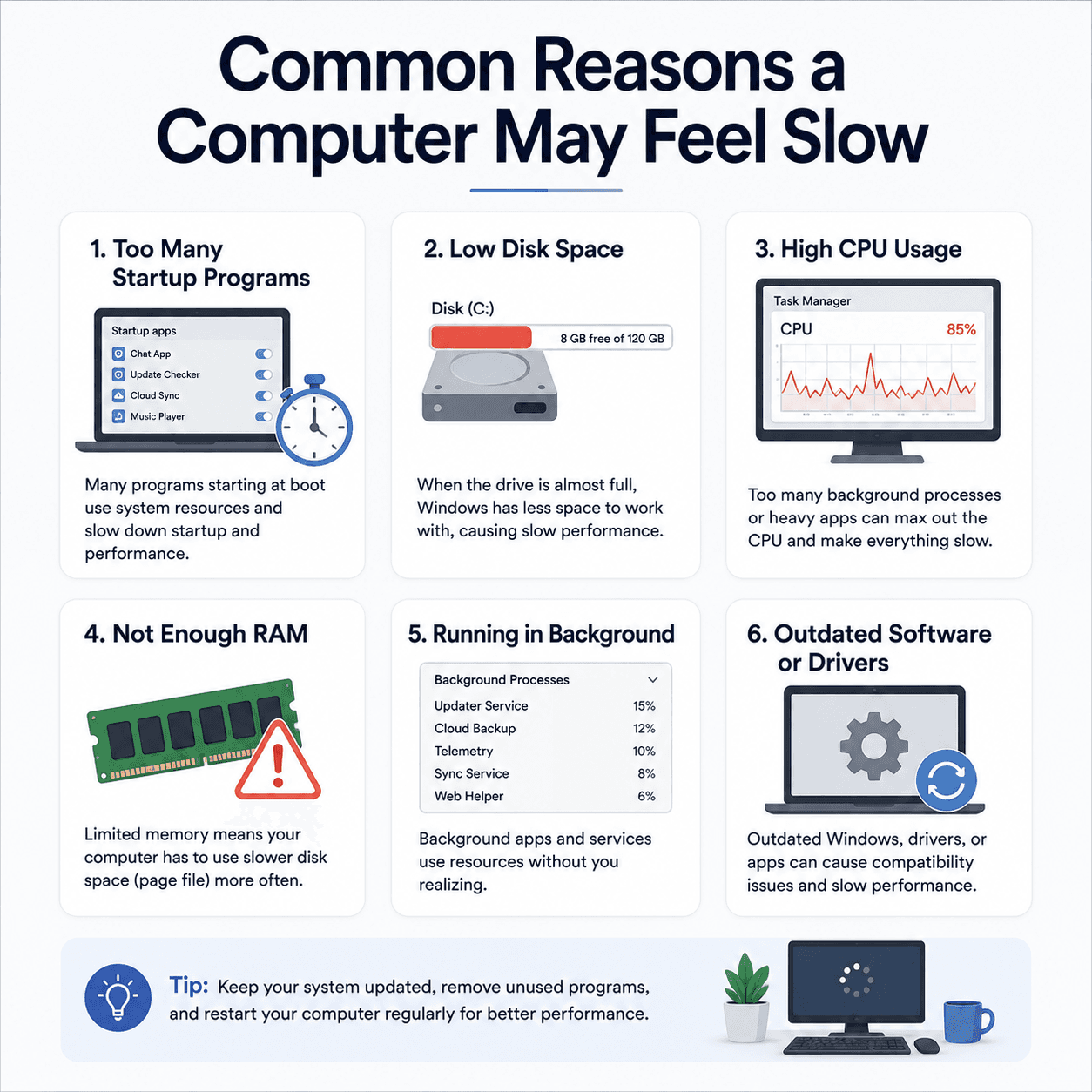
A slow computer is frustrating, but the reasons are usually understandable and rarely a single dramatic fault. More often it is several small factors stacking up over time.
The good news is that once you can name those factors, a slow PC stops feeling like a mystery. Each contributor behaves in a predictable way, and most can be understood without any technical background.
This guide walks through the most common contributors so you can recognise them, understand why they matter, and see how they relate to one another.
Disk space
Low free space on the system drive slows routine tasks that need temporary room.
Startup load
Programs launching at boot keep running and compete for resources.
Memory & CPU
Too many open apps stretch memory and processor, which is felt as lag.
Startup programs
Many applications add themselves to the list of programs that launch when Windows starts. A few are useful, but a long list extends startup time and leaves fewer resources for what you actually want to do.
Reviewing the startup list — visible in Task Manager — is one of the highest-impact, lowest-risk ways to make a PC feel quicker, because it reduces the background load the moment you turn the computer on.
Disk space and the type of drive
Windows uses free space on the system drive for temporary files and housekeeping. When that space runs low, everyday operations that depend on it slow down, and warnings may appear. Keeping some headroom free helps.
The kind of drive matters just as much. A traditional spinning hard drive is dramatically slower than a solid-state drive. A computer that feels sluggish at every task, not just under load, may simply be limited by older storage rather than anything being wrong.
- Free space gives Windows room for temporary files.
- A nearly full system drive slows everyday tasks.
- Solid-state drives feel far faster than older spinning drives.
Memory and multitasking
Memory is the other everyday factor. With many apps and browser tabs open, the system has to juggle what fits in fast memory, moving less-used data to slower storage. That juggling is exactly what you feel as lag.
Closing what you are not using frees memory and often restores responsiveness right away. Picturing memory as a limited desk, rather than infinite space, makes this behaviour intuitive.
Background work and drivers
Sometimes a PC feels slow simply because it is busy — installing updates, indexing files, or syncing to the cloud. These tasks are temporary and ease once they finish, so a short wait can resolve what looked like a permanent slowdown.
Drivers play a smaller but real role. Current graphics and chipset drivers let capable hardware perform at its best. Because performance is cumulative, working through each factor in turn is more effective than expecting one change to transform everything.
Heat and thermal throttling
Computers protect themselves from overheating by slowing down when they get too hot, a behaviour called thermal throttling. Dust-clogged vents, a warm room, or heavy sustained load can trigger it, which feels like sudden sluggishness right when you are pushing the machine hardest.
Good airflow and clean vents help a computer sustain its performance. Recognising heat as a cause explains the otherwise puzzling pattern of a PC that is fine at first and then slows under prolonged effort.
- Slowness is usually several small factors combined, not one cause.
- Startup programs steal resources from the moment you switch on.
- Low free space and older spinning drives slow everyday tasks.
- Running low on memory forces slow juggling; closing apps helps at once.
- Heat can throttle performance, and some slowness is just temporary busyness.
A note on purpose
This article is educational and general in nature. Exact steps and menus vary by device, brand, and software version — always follow the official documentation for your specific hardware. Handy Guide does not offer repair, remote access, or paid support services.
Frequently asked
Rarely. It is normally the sum of several factors — startup programs, low disk space, heavy background activity, and sometimes older drivers.
Often yes. Freeing memory and reducing background load can restore responsiveness right away.
To protect itself, a PC reduces speed when temperatures climb. Clean vents and good airflow help it sustain performance.
Yes. Older spinning drives are much slower than solid-state drives, which can make every task feel sluggish.
Related articles
 System
Understanding Windows Update Services and BITS
The background services that make Windows Update work, what BITS does, how downloads resume, and why services matter when an update stalls.
 System
Understanding Device Manager Error Symbols
What the little warning marks in Device Manager mean, how they localise a problem to one device, and how to read them as clues rather than alarms.
 System
What Windows Update Error Messages May Mean
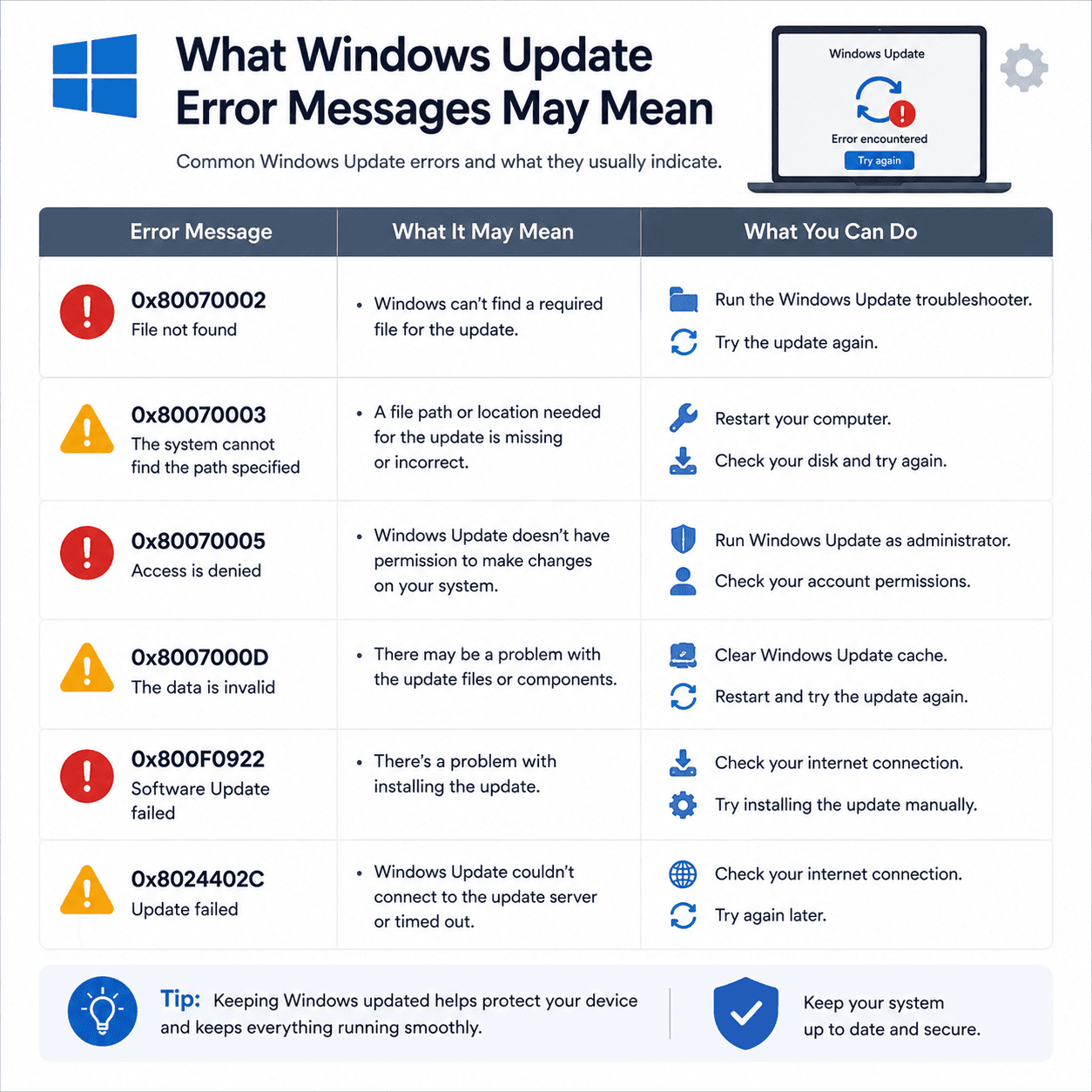
How to read Windows Update error codes as clues to a category of issue, what common examples suggest, and why rollbacks are a safety feature.