
What Windows Update Error Messages May Mean
7 min read · Updated 2026
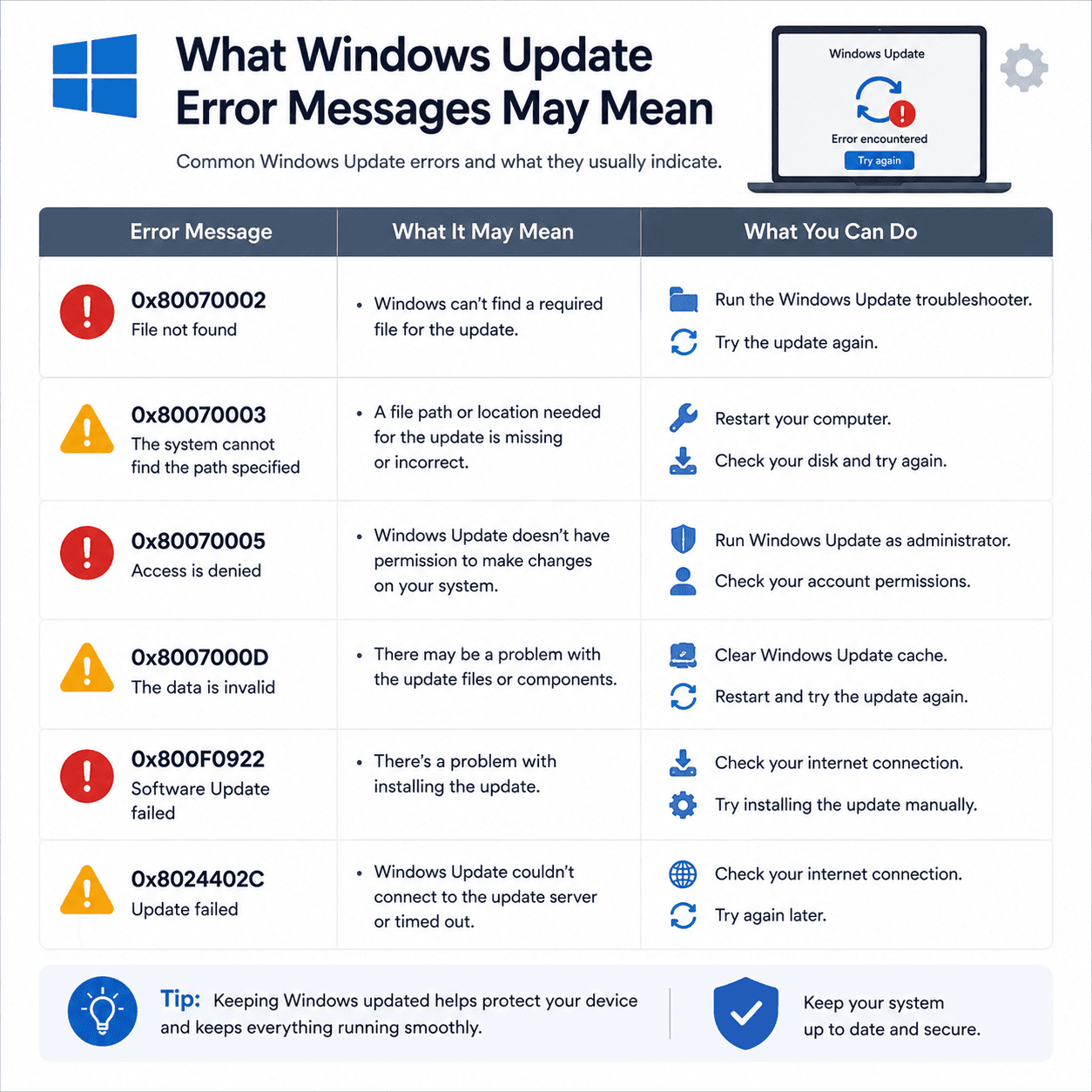
Windows Update error codes look intimidating, but they are essentially labels. Each points to a general category of issue, which helps you understand what happened rather than leaving you stuck.
Read as clues rather than verdicts, these codes become useful. They rarely tell the whole story, but they reliably point you toward the right area — downloads, components, or storage — to read about next.
This guide explains how to read these codes and what a few common ones tend to indicate.
Codes are categories
Each code labels a type of issue, not a precise diagnosis.
Space and downloads
Many codes relate to storage room or fetching the update.
Rollbacks are safe
'Undoing changes' restores your previous working state.
Codes as categories
An error code is a compact identifier for a type of problem. It rarely tells the whole story, but it narrows things considerably — pointing you toward downloads, missing components, or storage, for example, instead of a blank unknown.
Reading a code as a clue rather than a verdict is the key mindset. It gives you a direction to read and learn, which is far more useful than a generic 'update failed'.
A few common examples
Some codes relate to files that could not be found or were in the wrong place. Others point to a required component that the update depended on but could not locate. A number of codes are tied to the download step, suggesting the issue was in fetching the update rather than installing it.
The exact meaning of any code is best confirmed against official documentation, but the category it implies is usually enough to understand the general nature of the problem.
- File-related codes: something missing or misplaced.
- Component codes: a required piece could not be found.
- Download codes: trouble fetching the update itself.
When storage is the issue
A recurring theme, especially with larger feature updates, is simply not having enough working space. Updates need room to download and unpack before they install, and a nearly full drive can bring the whole process to a halt.
When an update repeatedly fails and the drive is low on space, freeing some room is often what allows it to proceed. This is one of the more approachable causes to recognise and address.
When updates roll back
Occasionally you may see a message like 'Undoing changes' on restart. This means Windows attempted an update, found the installation did not complete cleanly, and returned the system to its previous state to keep it stable.
A rollback is a safety feature, not a failure of the computer. It leaves you where you started so nothing is left half-installed.
Why the same update returns
After a failed attempt or a rollback, the same update is often offered again. This can feel discouraging, as though the computer is stuck in a loop, but it is simply the system trying to deliver an update it still considers necessary.
Seeing the repeat as persistence rather than malfunction helps. The underlying cause — space, a download, or a component — usually needs attention before the update can finally complete.
- Error codes label categories of issues, not exact diagnoses.
- Common causes include missing files, components, or download trouble.
- Low disk space can repeatedly block larger updates.
- 'Undoing changes' is a safe rollback to your previous state.
- A repeated update means the underlying cause still needs attention.
A note on purpose
This article is educational and general in nature. Exact steps and menus vary by device, brand, and software version — always follow the official documentation for your specific hardware. Handy Guide does not offer repair, remote access, or paid support services.
Frequently asked
Yes, as categories. A code points to the type of issue — such as downloads or missing components — which helps you understand what happened.
Windows found an update did not complete cleanly and returned the system to its previous state to keep it stable.
The system keeps offering an update it considers necessary. The underlying cause — often space, a download, or a component — needs resolving first.
Yes. Updates need room to download and unpack, so a nearly full drive can block them until space is freed.
Related articles
 System
Understanding Windows Update Services and BITS
The background services that make Windows Update work, what BITS does, how downloads resume, and why services matter when an update stalls.
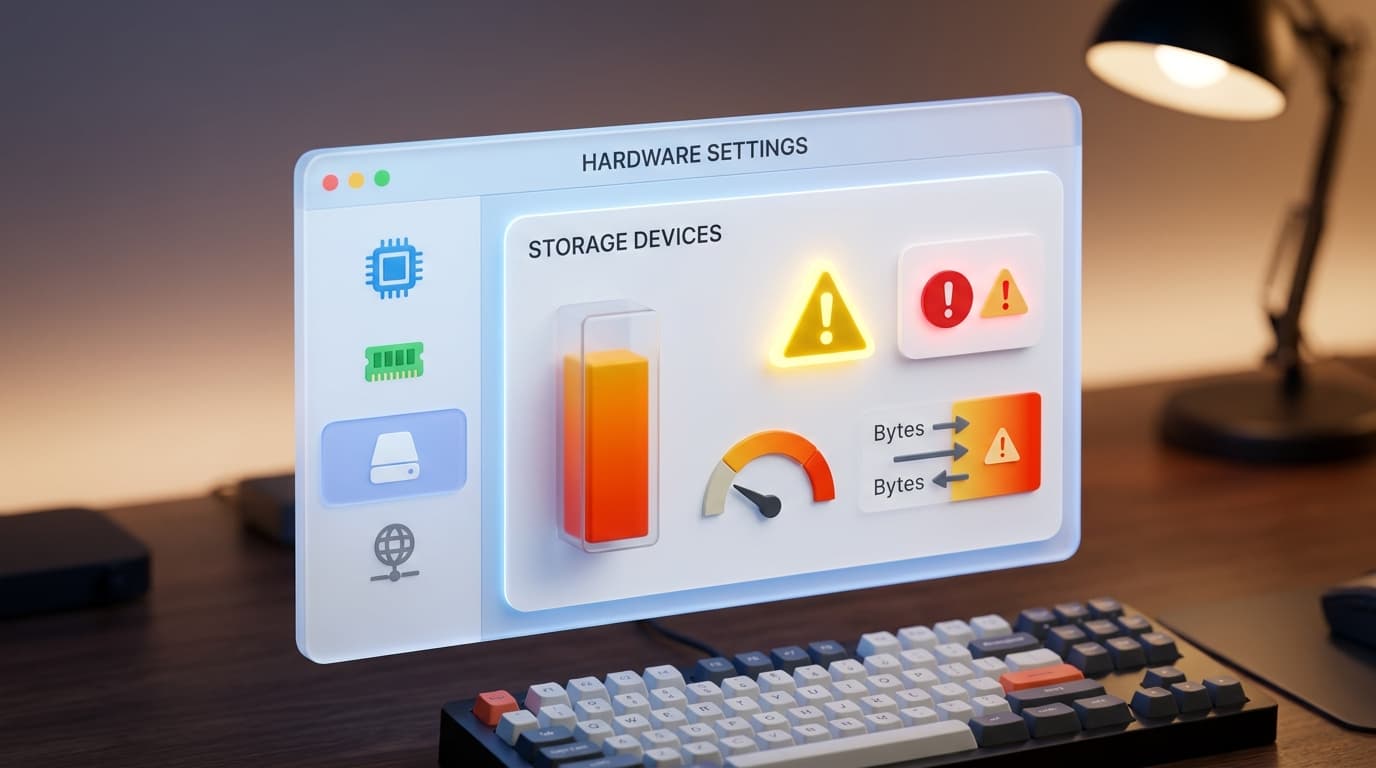 System
Understanding Device Manager Error Symbols
What the little warning marks in Device Manager mean, how they localise a problem to one device, and how to read them as clues rather than alarms.
 Performance
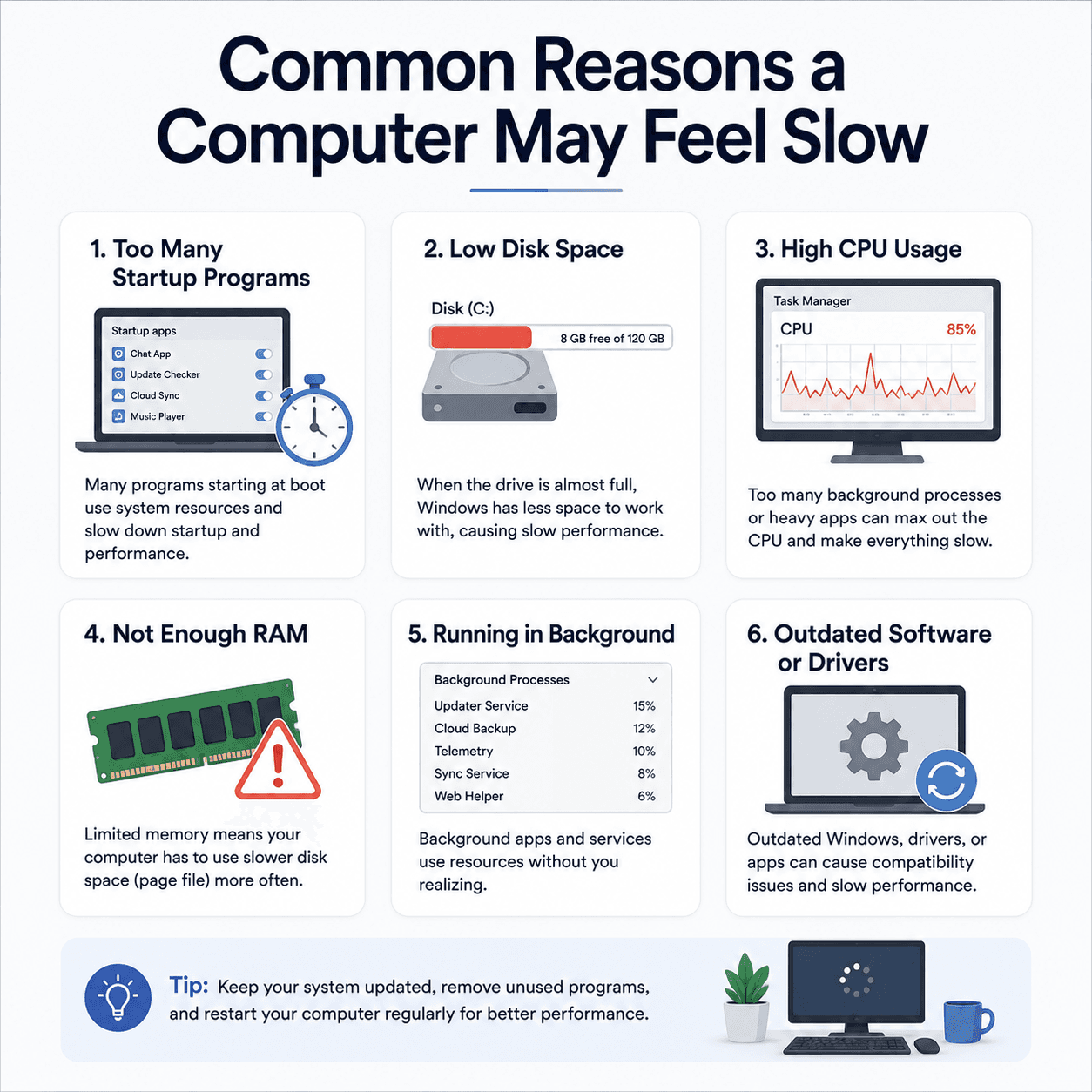
Common Reasons a Computer May Feel Slow
The everyday factors that add up to a sluggish PC — startup load, disk space, memory, background activity, and heat — explained clearly and without alarm.