
Driver & device topics
Clear, plain-language explainers for the devices and systems people ask about most. No jargon, no sales — just understanding.
Topic categories
Everything in the library falls into one of these four broad areas.
Printing & Imaging
Printer drivers, offline status, the print queue, and how scanning works.
Networking & Wi-Fi
Network drivers, routers, wireless security, and how your PC reaches the internet.
System & Performance
Why a PC feels slow, how Windows Update works, and the USB device stack.
Email & Communication
Email accounts, protocols, ports, and the settings behind reliable sync.
Four simple steps
Choose a topic
Pick the device or system you want to understand better.
Read the concepts
Learn the underlying ideas in clear, everyday language.
Understand the role
See how drivers, settings, and connections work together.
Explore more
Follow related topics and articles to go deeper.
Explore every topic
 Printing
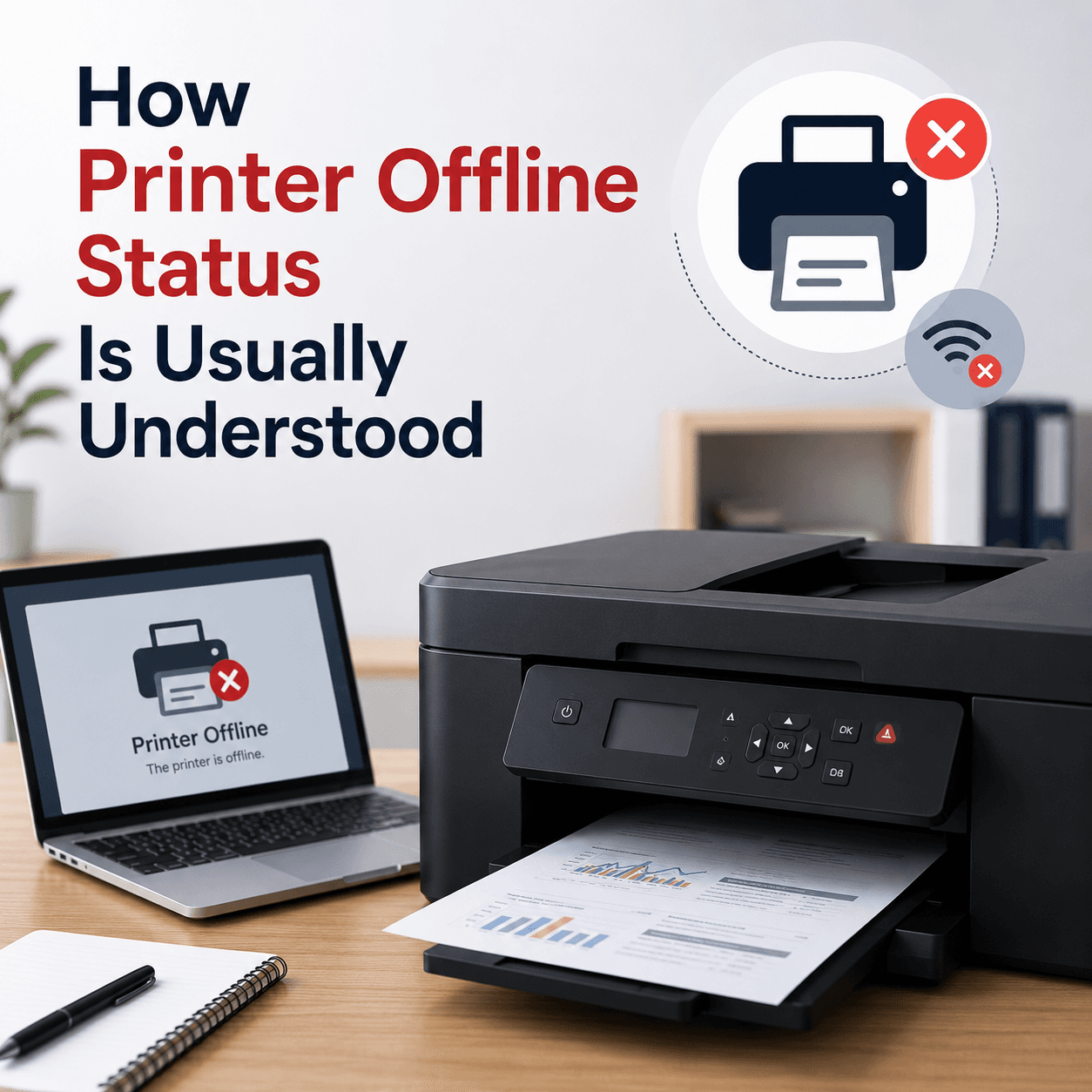
Printer Drivers
How printer drivers translate your documents into print, and why an offline status or stuck queue usually traces back to the driver, the spooler, or the connection.
Read topic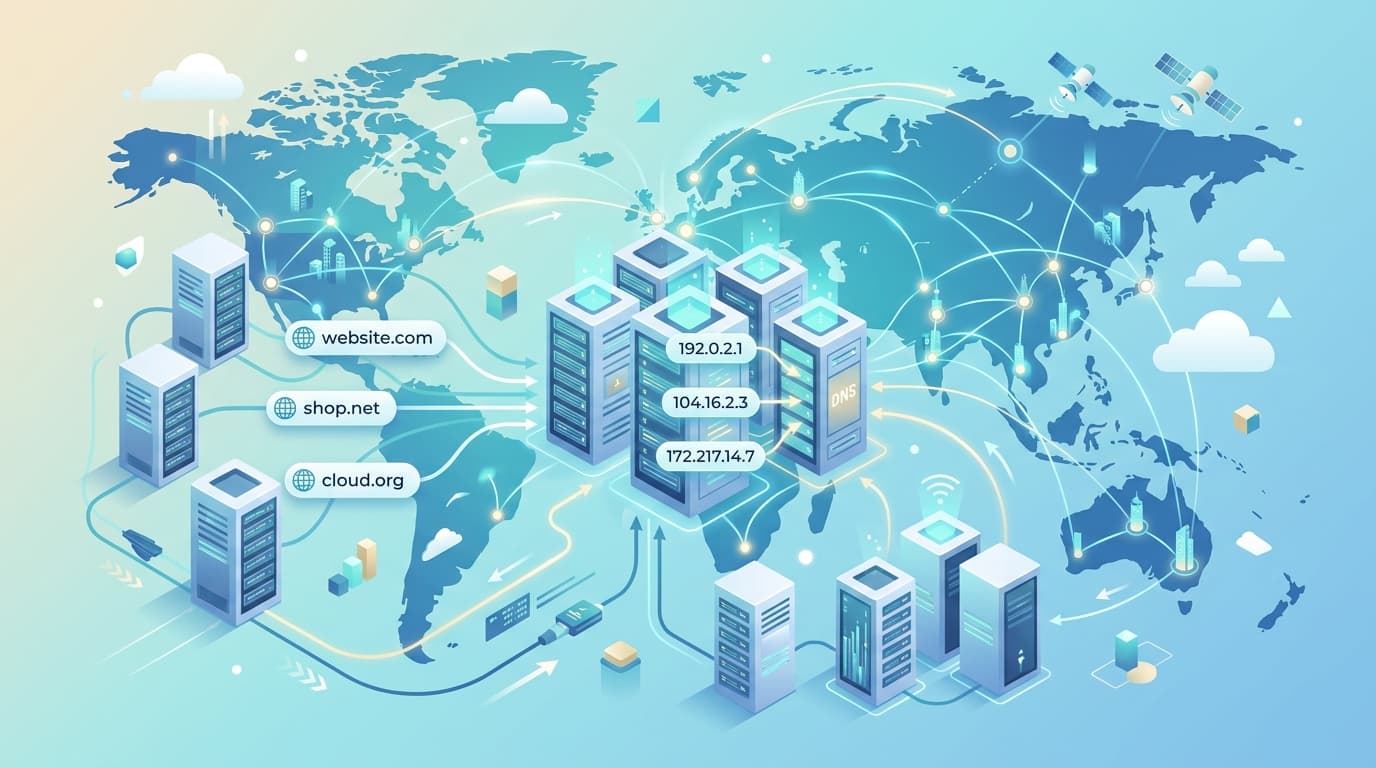 Networking
Network Drivers
How network drivers connect your PC to Wi-Fi and Ethernet, why 'Connected, no internet' points to a specific layer, and how the pieces of the networking stack fit together.
Read topic Peripherals
USB Drivers
How the USB driver stack recognises devices the instant you plug them in, why a device sometimes appears as 'unknown', and how power and ports quietly affect reliability.
Read topic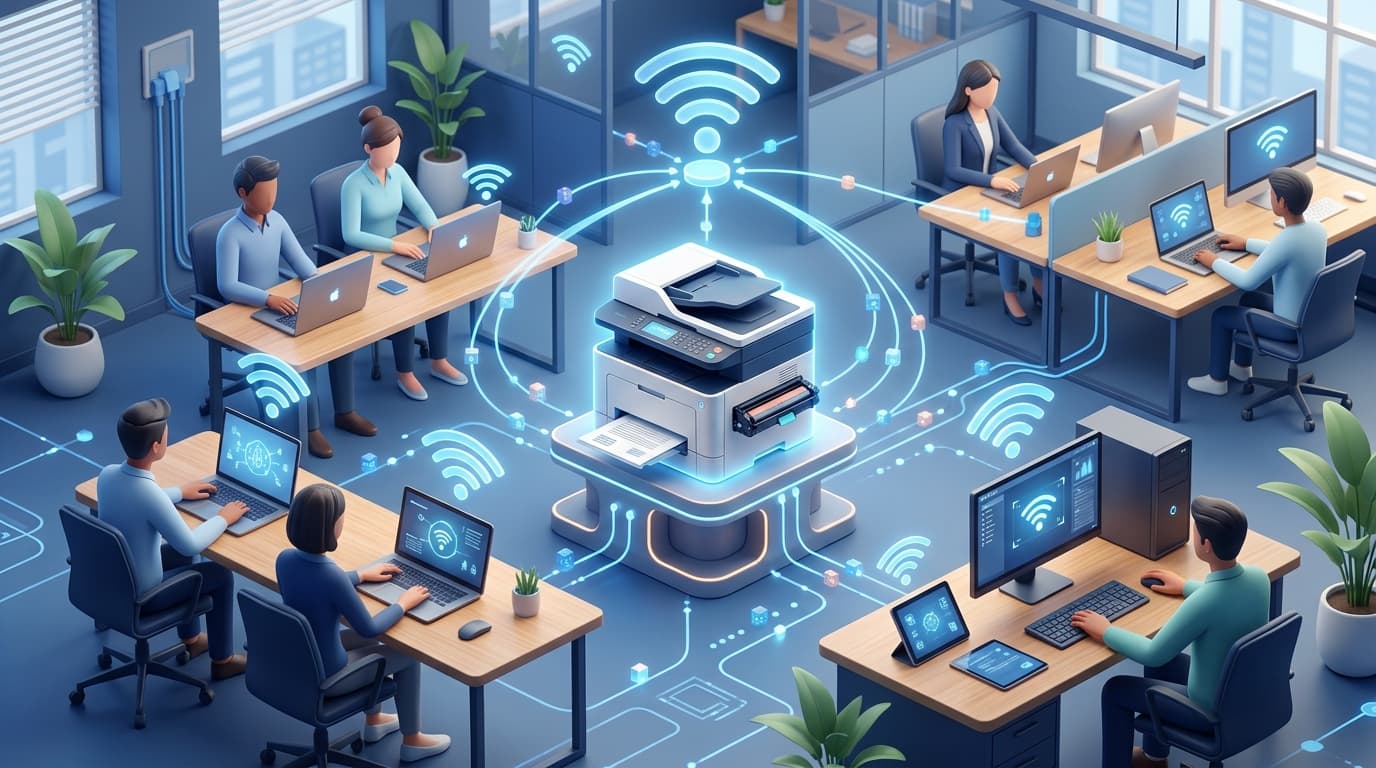 Imaging
Scanner Drivers
How scanner drivers and imaging standards like TWAIN and WIA let software capture images, and why a scanner is sometimes seen by Windows yet still won't scan from your app.
Read topic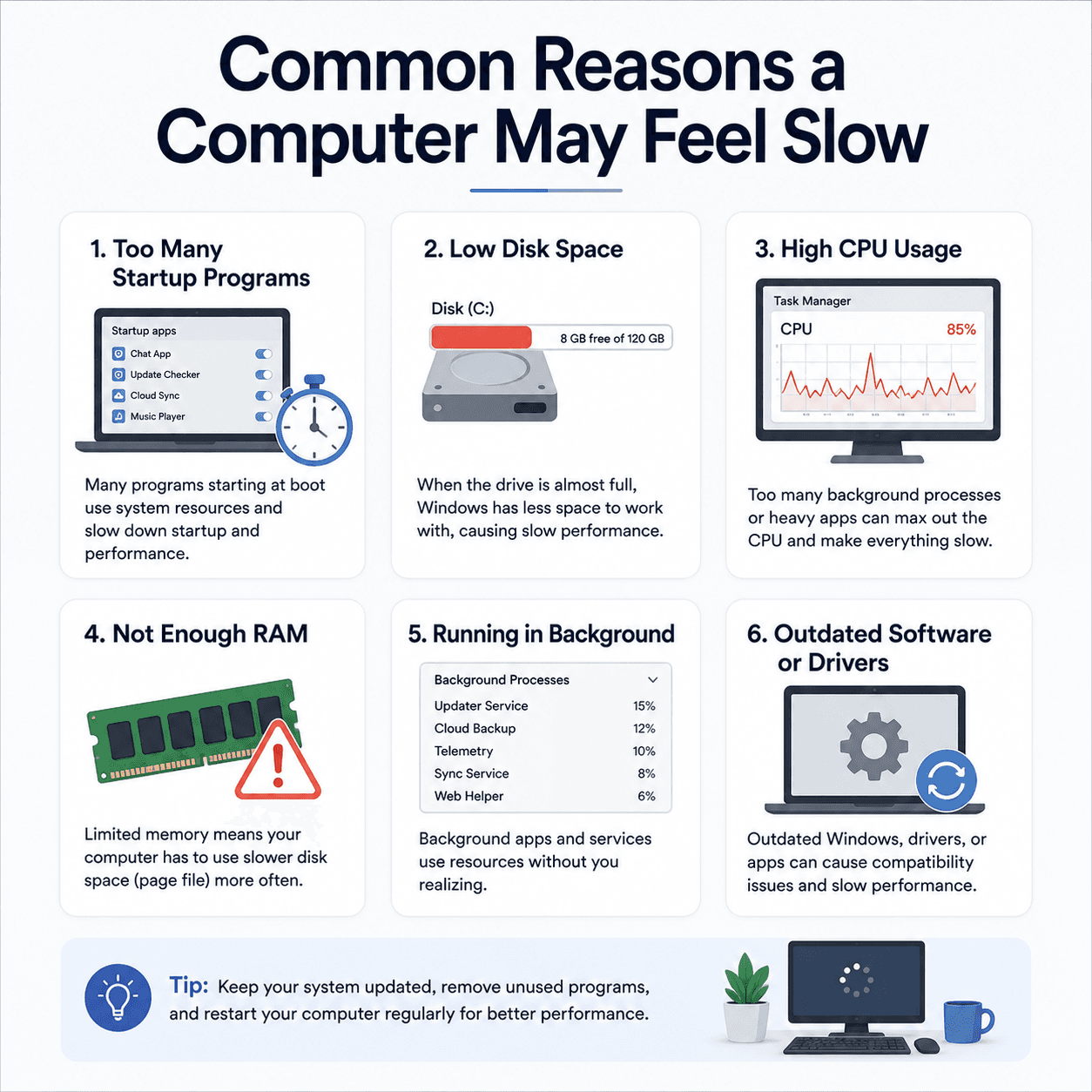 Performance
PC Performance
The common, understandable reasons a computer can feel slow — startup apps, disk space, background load, memory — and where drivers genuinely fit into the picture.
Read topic System
Windows Update
How Windows Update delivers fixes and drivers, why an update can appear stuck, what common error codes point to, and what happens when Windows rolls a change back.
Read topic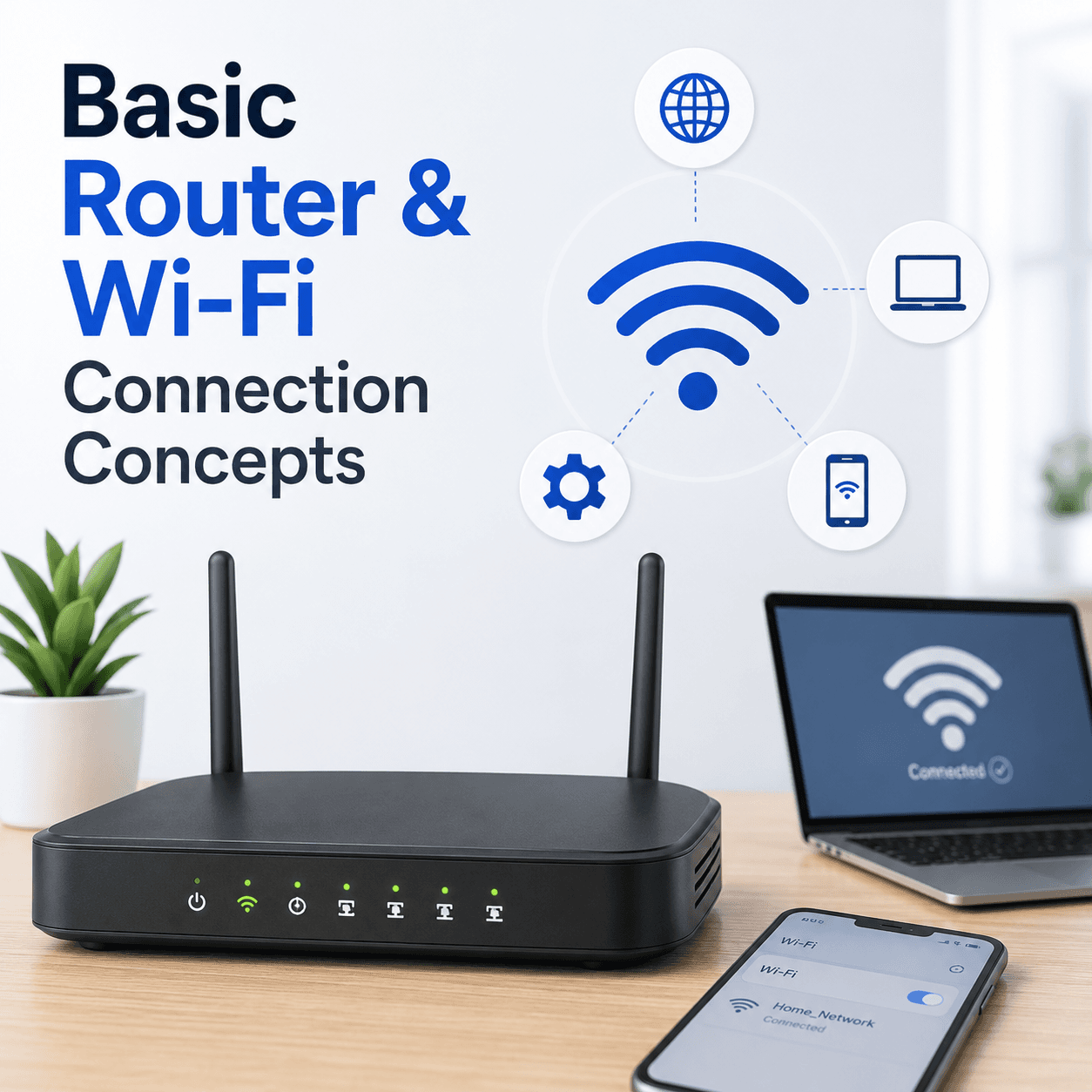 Networking
Router & Wi-Fi
How a router creates your home network, what the admin page is for, why signal and security settings shape your connection, and how bands and channels affect everyday Wi-Fi.
Read topic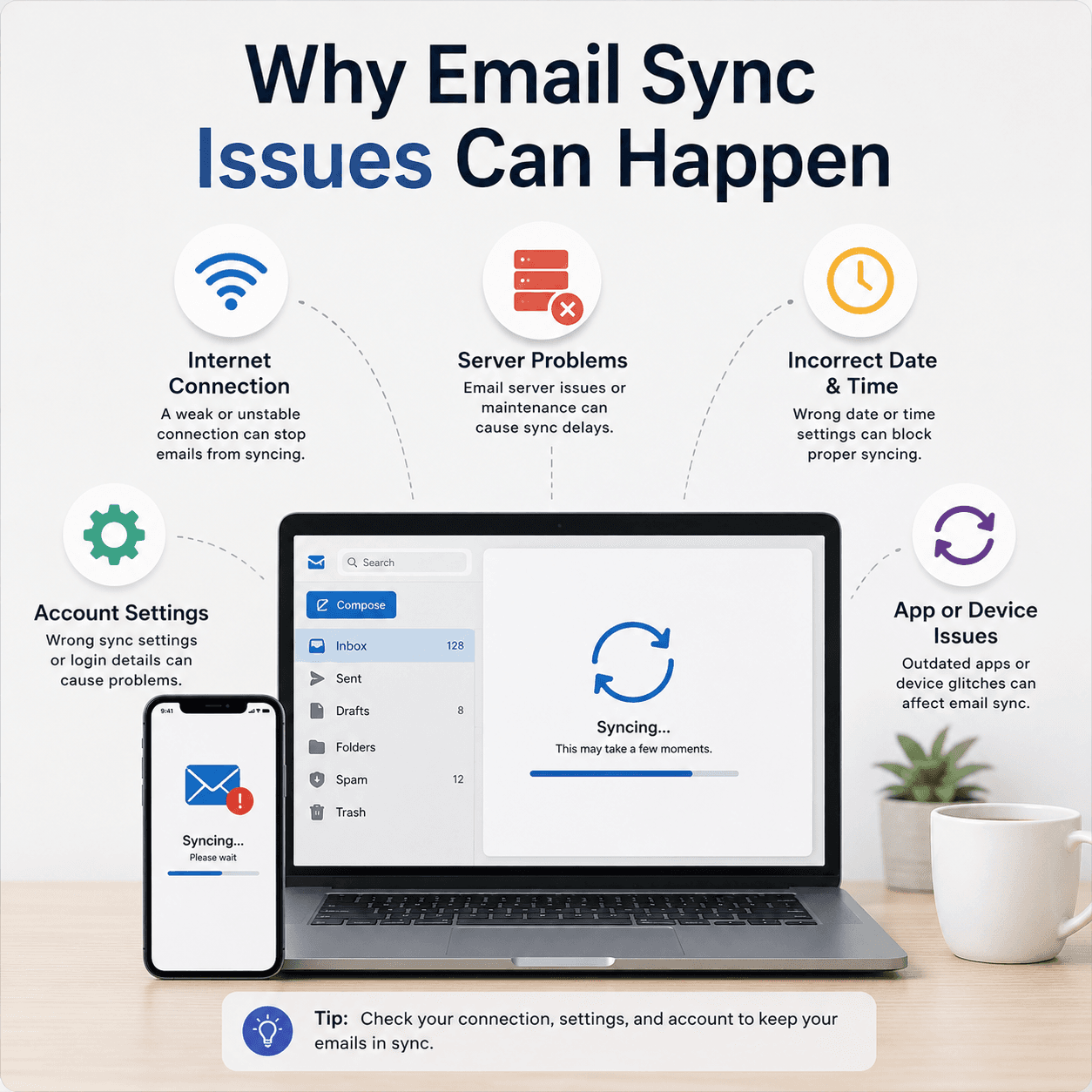 Communication
Email Basics
How email accounts sync, what ports and protocols like IMAP, POP, and SMTP do, why messages stall in the Outbox, and how incoming and outgoing paths fail independently.
Read topicLooking for something specific? Try the search page or browse the learning blog.
Keep exploring the library
Every guide is written in plain language, free to read, and focused on helping you understand your devices with confidence.