
Understanding Windows Update Services and BITS
7 min read · Updated 2026

Windows Update relies on several background services working together. When updates behave oddly, it often helps to know these exist and what each one does.
You interact with a simple settings page, but underneath, a small team of services coordinates checking, downloading, and installing. Knowing they are there demystifies a lot of update behaviour.
This guide introduces the Windows Update service and the Background Intelligent Transfer Service (BITS) in plain language.
Background services
Programs that run without a window to do ongoing work.
BITS
Downloads update files efficiently and resumes interrupted transfers.
Coordination
Update is several services working together, not one program.
Services behind the scenes
A service is a background program that runs without a visible window. Windows Update depends on a set of these to check for updates, download them, and install them. You interact with a simple settings page, but underneath, several services coordinate the work.
Because they run quietly, these services are easy to overlook. Knowing they exist explains why update activity can happen without much on-screen indication.
What BITS does
The Background Intelligent Transfer Service, or BITS, is responsible for downloading update files efficiently. It is designed to use spare network capacity and to resume interrupted downloads, so large updates can arrive without disrupting your normal internet use.
This is why an update download can pause and continue later without starting over. BITS is built to handle the realities of everyday connections, where bandwidth is shared and interruptions happen.
- BITS uses spare bandwidth so browsing stays responsive.
- It can resume a download after an interruption.
- Large updates arrive gradually rather than all at once.
Why downloads resume instead of restarting
One of the quiet conveniences of the update system is that a partially downloaded update does not have to start from scratch after a disconnection. BITS keeps track of progress, so when the connection returns it picks up where it left off.
This design is especially valuable for large feature updates on slower or intermittent connections. It explains why a download percentage can freeze during a network blip and then continue, rather than resetting to zero.
Why services matter when updates stall
When an update seems stuck, the underlying services are a natural place to consider. If a service that Update depends on is not running as expected, downloads or installations can stall. This is background understanding rather than a repair procedure.
The takeaway is that Windows Update is not a single monolithic thing but a coordination of services. That framing makes stalls easier to reason about and less mysterious.
How this connects to error codes
Because updating involves several moving parts, the error codes you occasionally see often map to which part struggled — the download, a component, or the installation step. Understanding the services gives those codes a home.
So rather than treating a stalled update as a single opaque failure, it helps to see it as one stage in a pipeline. That perspective connects the behaviour you see to the machinery underneath it.
- Windows Update is several background services working together.
- BITS downloads updates efficiently using spare bandwidth.
- Interrupted downloads resume rather than restarting.
- A misbehaving service can cause an update to stall.
- Error codes often map to which stage of the pipeline struggled.
A note on purpose
This article is educational and general in nature. Exact steps and menus vary by device, brand, and software version — always follow the official documentation for your specific hardware. Handy Guide does not offer repair, remote access, or paid support services.
Frequently asked
A background program that runs without a visible window. Windows Update relies on several of them to check, download, and install updates.
The Background Intelligent Transfer Service, which downloads update files efficiently and can resume interrupted transfers.
BITS tracks progress, so when the connection returns it resumes where it left off rather than starting over.
Often. Because updating has several stages, a code frequently points to which stage — download, component, or install — struggled.
Related articles
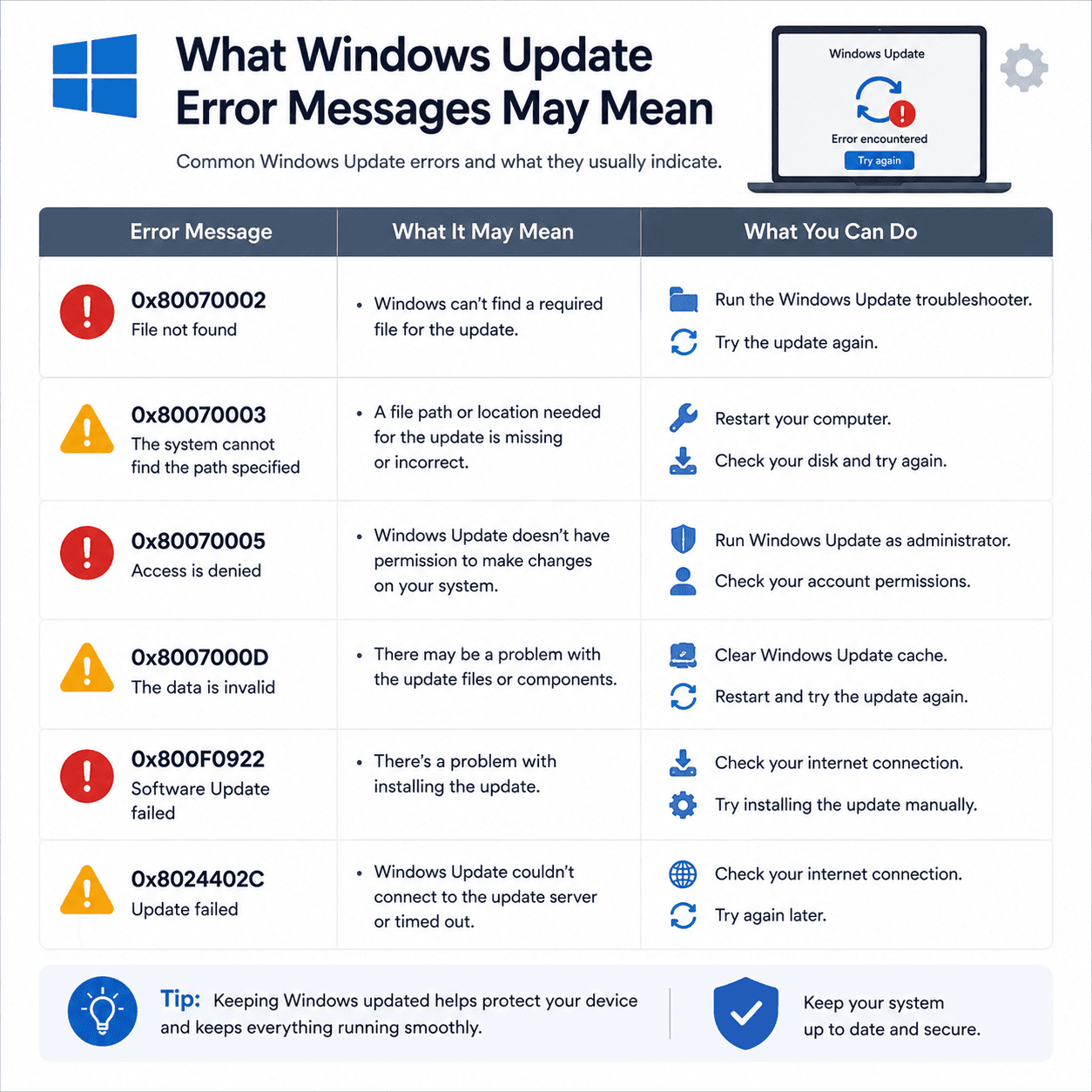 System
What Windows Update Error Messages May Mean
How to read Windows Update error codes as clues to a category of issue, what common examples suggest, and why rollbacks are a safety feature.
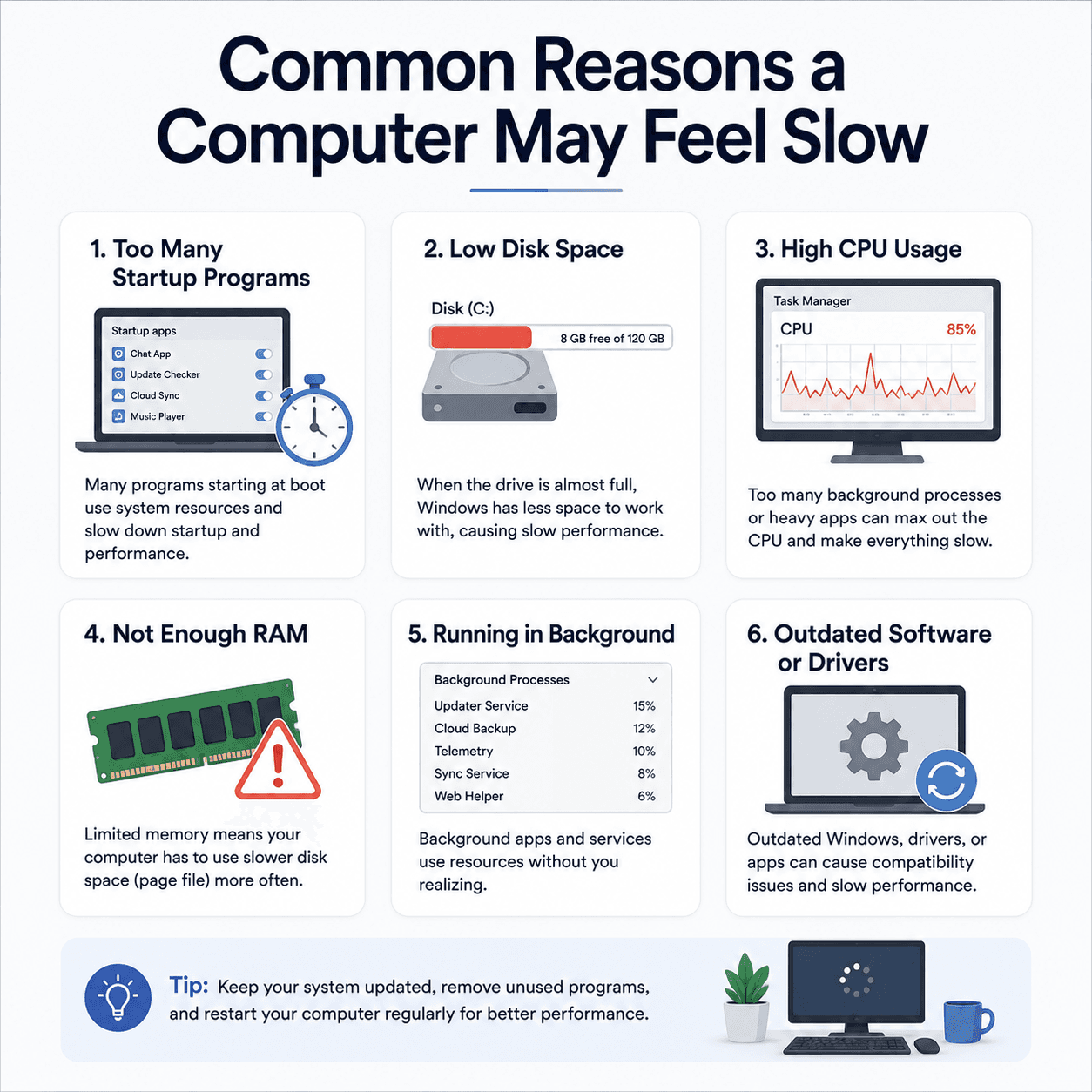 Performance
Common Reasons a Computer May Feel Slow
The everyday factors that add up to a sluggish PC — startup load, disk space, memory, background activity, and heat — explained clearly and without alarm.
 System
How the Windows Registry Stores Device Settings
A gentle explanation of what the registry is, how it is organised into keys and values, why it matters for devices and drivers, and why it is treated with care.