
Understanding Browser Certificate Warnings
7 min read · Updated 2026

A certificate warning can be startling, filling the screen with red and stern language. Understanding what a certificate is makes these messages easier to interpret rather than fear.
Most of the time a warning is the browser being careful, and the cause is something ordinary — an expired credential, a name that does not match, or even the wrong date on your device. Knowing the usual reasons removes much of the alarm.
This guide explains certificates and the common reasons a browser shows a warning about them.
A digital credential
A certificate proves a site's identity and enables encryption.
The browser verifies
If it can't confirm the credential, it warns rather than continue silently.
Clock matters
A wrong device date can make valid certificates look invalid.
What a certificate is
A security certificate is a small digital credential that a website presents to prove its identity and to enable an encrypted connection. When everything checks out, your browser shows a secure connection and no warning at all.
The browser's job is to verify that credential. If it cannot, it warns you rather than silently continuing, because the point of the certificate is trust.
Why warnings appear
There are several ordinary reasons a warning can appear. A certificate may have expired, it may not match the site's name, or the device's own clock may be wrong, which makes valid certificates look invalid. Each of these breaks the verification the browser expects.
A warning is the browser being cautious. It does not always mean something sinister; often it points to a configuration or timing issue on one side or the other.
- Expired certificate: the credential is past its validity date.
- Name mismatch: the certificate doesn't match the site's address.
- Wrong device clock: valid certificates appear invalid.
Reading warnings calmly
The healthiest approach is to read the specific message rather than react to the colour. The wording usually names the reason — expired, name mismatch, or an untrusted issuer — which tells you what kind of problem it is.
A famously common cause is an incorrect date and time on the device, which can make many sites suddenly appear untrusted. Recognising these patterns turns alarm into understanding.
The clock connection
Certificates are only valid between certain dates, and your browser compares those dates against your device's own clock. If the clock is badly wrong — set to the far past or future — perfectly valid certificates can suddenly look expired or not-yet-valid, and warnings appear across many sites at once.
This is why a wave of certificate warnings on every site is a classic sign of a wrong date and time, rather than a problem with the websites themselves.
When caution is warranted
While many warnings are harmless configuration issues, the whole point of the system is to protect you, so warnings should never simply be ignored on sensitive sites. On anything involving accounts or payments, a warning is a reason to stop and be sure.
Understanding certificates is not about learning to dismiss warnings; it is about reading them well enough to tell an ordinary timing glitch from a genuine reason for concern.
- A certificate proves a site's identity and enables encryption.
- The browser warns when it cannot verify that credential.
- Common causes: expiry, name mismatch, or a wrong device clock.
- Warnings on every site often mean an incorrect date and time.
- Warnings protect you — read them, especially on sensitive sites.
A note on purpose
This article is educational and general in nature. Exact steps and menus vary by device, brand, and software version — always follow the official documentation for your specific hardware. Handy Guide does not offer repair, remote access, or paid support services.
Frequently asked
Your browser could not verify a website's security credential. Common reasons include an expired certificate, a name mismatch, or an incorrect clock on your device.
Yes. An incorrect date and time can make valid certificates appear invalid, triggering warnings across many sites.
No. While many are harmless configuration issues, warnings exist to protect you, so treat them seriously on sites involving accounts or payments.
That pattern is a classic sign of a wrong date and time on your device rather than a problem with the sites.
Related articles
 Networking
Understanding DNS and IP Address Resolution
How website names become addresses, what DNS and the DNS cache do, why 'no internet' can point here, and how name resolution fits into a working connection.
 Networking
Understanding Wireless Network Security Settings
What Wi-Fi security types and passwords protect, why a mismatch can stop a device from connecting, and how to keep a home network private.
 System
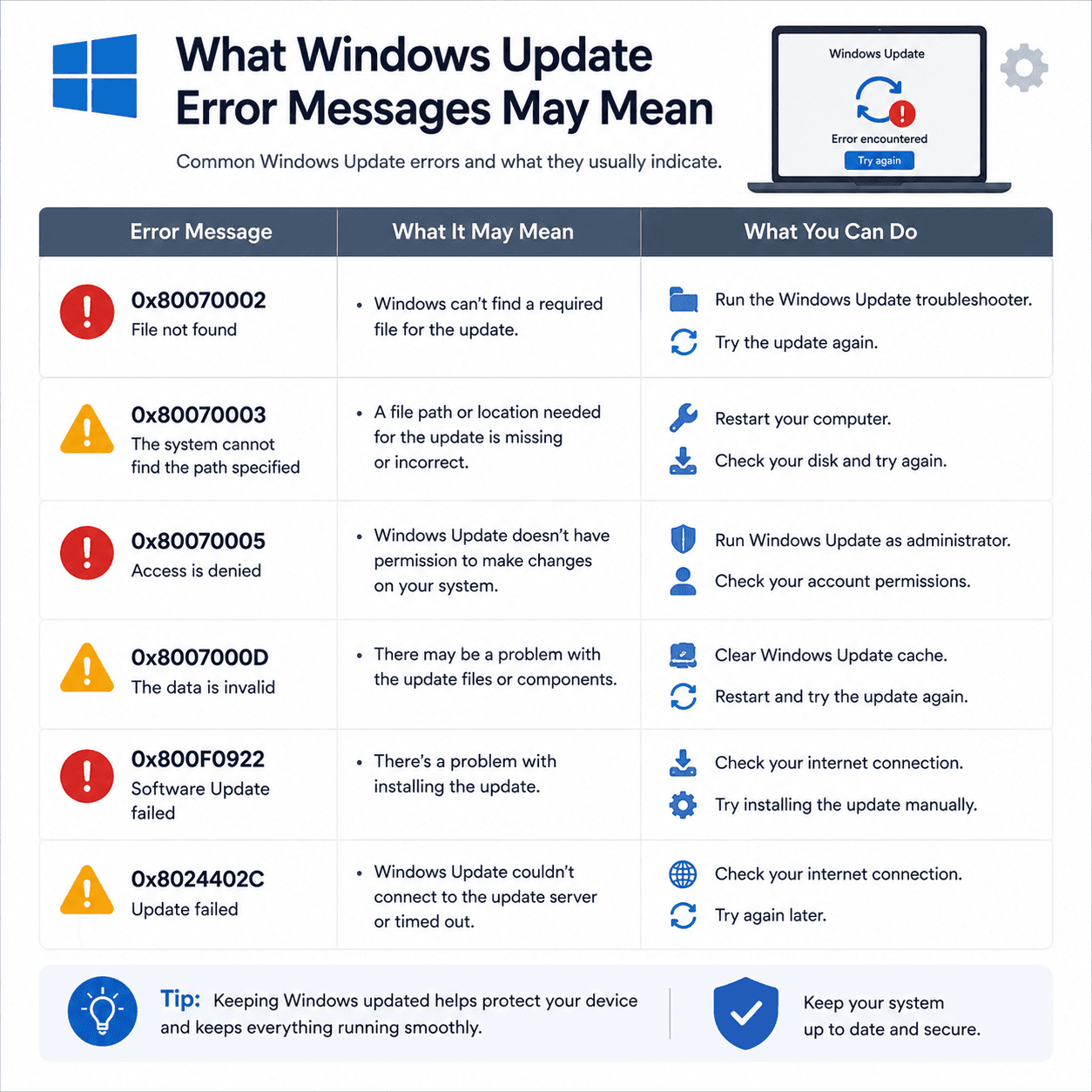
What Windows Update Error Messages May Mean
How to read Windows Update error codes as clues to a category of issue, what common examples suggest, and why rollbacks are a safety feature.