
Understanding Email Sync Port Configurations
8 min read · Updated 2026
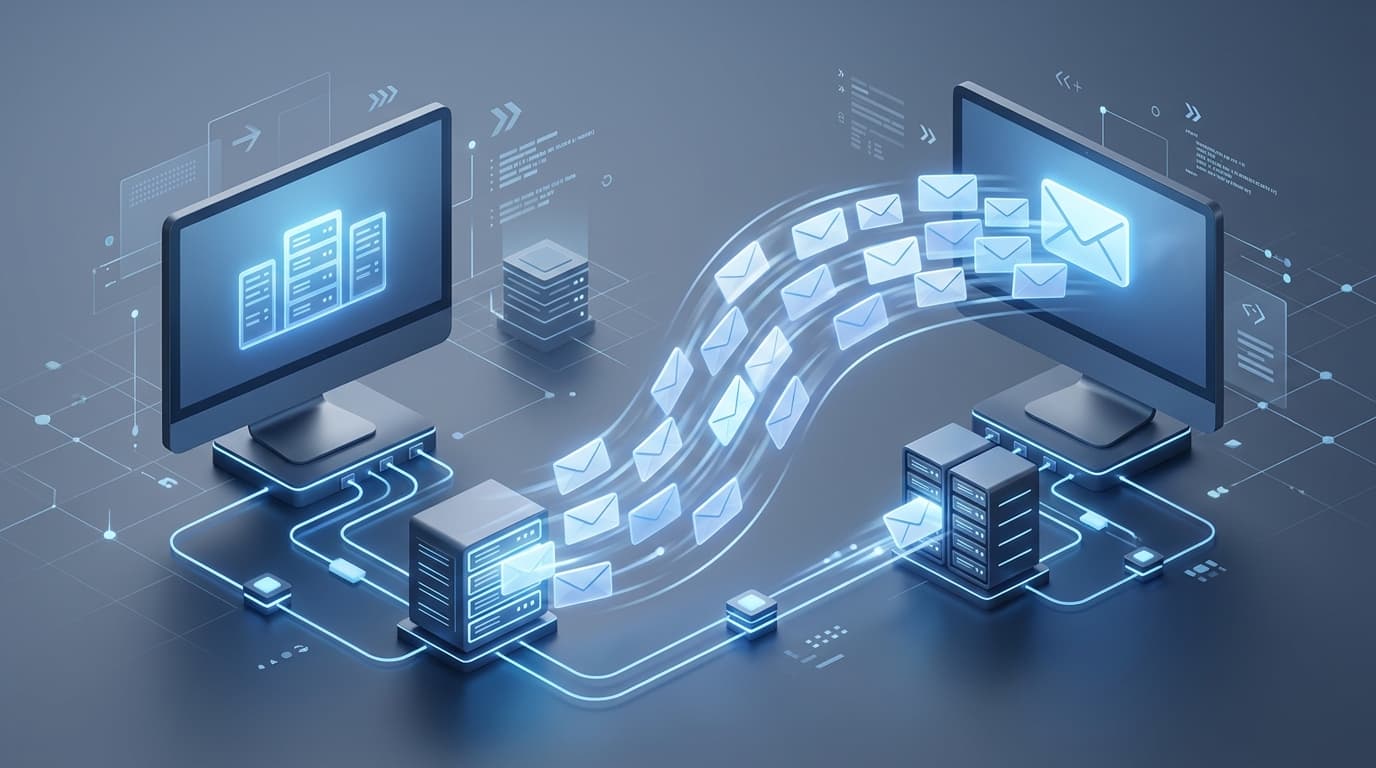
Email settings can look intimidating, full of server names, ports, and protocol acronyms. In reality they describe a simple idea: how your app connects to the servers that receive and send your mail.
Once you see that email is really two separate services — one for receiving and one for sending — the settings stop looking like a wall of jargon and start looking like a short, logical checklist.
This guide explains the incoming and outgoing paths, the common protocols, ports and encryption, and why the numbers and security options need to line up with what your provider specifies.
Incoming server
Receives your mail using IMAP or POP and syncs it to your device.
Outgoing server
Sends your mail using SMTP, a separate path from receiving.
Ports & security
Numbers and encryption settings that must match the provider exactly.
Two directions, two servers
Email is really two separate services. Receiving mail uses an incoming server with a protocol such as IMAP or POP. Sending mail uses an outgoing server with SMTP. They are configured independently, which is why one can work while the other does not.
When you can read mail but not send it, the incoming side is fine and the outgoing side needs attention. The reverse is equally possible. Recognising this split turns a vague problem into a specific one.
What ports do
A port is like a numbered door on the mail server for a particular kind of connection. Each protocol expects specific port numbers, paired with a security setting that determines whether the connection is encrypted. Providers publish the exact combination they require.
If the port or security type does not match the provider's requirement, the app cannot complete the connection. This often surfaces as an authentication or connection error even when the password is correct — which is why 'my password is right but it won't connect' is so common.
Encryption and why it matters
Modern email connections are encrypted so that your messages and credentials are not sent in the clear. The encryption setting works hand in hand with the port: certain ports expect a secure connection from the start, while others expect the connection to upgrade to security partway through.
This is why copying a port number without the matching security setting often fails. The two are a pair, and the provider's documentation lists them together for exactly that reason.
- Ports and encryption settings come as a matched pair.
- Some ports expect security immediately; others upgrade to it.
- Use the provider's published combination rather than guessing.
IMAP versus POP
IMAP keeps mail on the server and mirrors it to every device, so the same inbox looks consistent on your phone and computer. POP traditionally downloads messages to one device and can remove them from the server.
For most people who use more than one device, IMAP is the more convenient choice because it keeps everything in sync. The right settings for either come from your email provider.
Reading a sign-in failure
When an app reports that sign-in failed, it is tempting to assume the password is wrong. Often, though, the credentials are fine and the real issue is a mismatched port, the wrong encryption type, or a provider requirement the app has not met.
Approaching the message as 'the connection couldn't be completed as configured' rather than 'my password is wrong' points you to the settings that actually need checking, and saves a lot of unnecessary password resets.
- Email has two independent paths: incoming (IMAP/POP) and outgoing (SMTP).
- Ports and encryption settings are a matched pair from your provider.
- A correct password can still fail if the port or security is wrong.
- IMAP keeps devices in sync; POP pulls mail to one device.
- Read sign-in failures as connection-config issues, not just bad passwords.
A note on purpose
This article is educational and general in nature. Exact steps and menus vary by device, brand, and software version — always follow the official documentation for your specific hardware. Handy Guide does not offer repair, remote access, or paid support services.
Frequently asked
A mismatched port or security type can stop the connection before credentials matter. The port and encryption must match the provider's specification.
If you use more than one device, IMAP is usually better because it keeps the same inbox in sync everywhere.
They work as a pair. A port expects a particular kind of secure connection, so using one without the correct security setting causes the connection to fail.
Your email provider publishes the exact server names, ports, and security settings for incoming and outgoing mail.
Related articles
 Email
EmailWhy Email Sync Issues Can Happen
The reasons an inbox can stop updating — sync intervals, server-side pauses, account settings, and connection issues — and how to reason about each one.
 Networking
Understanding DNS and IP Address Resolution
How website names become addresses, what DNS and the DNS cache do, why 'no internet' can point here, and how name resolution fits into a working connection.
 Networking
Basic Router and Wi-Fi Connection Concepts
A plain-language tour of how a router builds your home network, what the admin page is, why bands and channels matter, and how to tell a router problem from an internet problem.