
Basic Router and Wi-Fi Connection Concepts
8 min read · Updated 2026
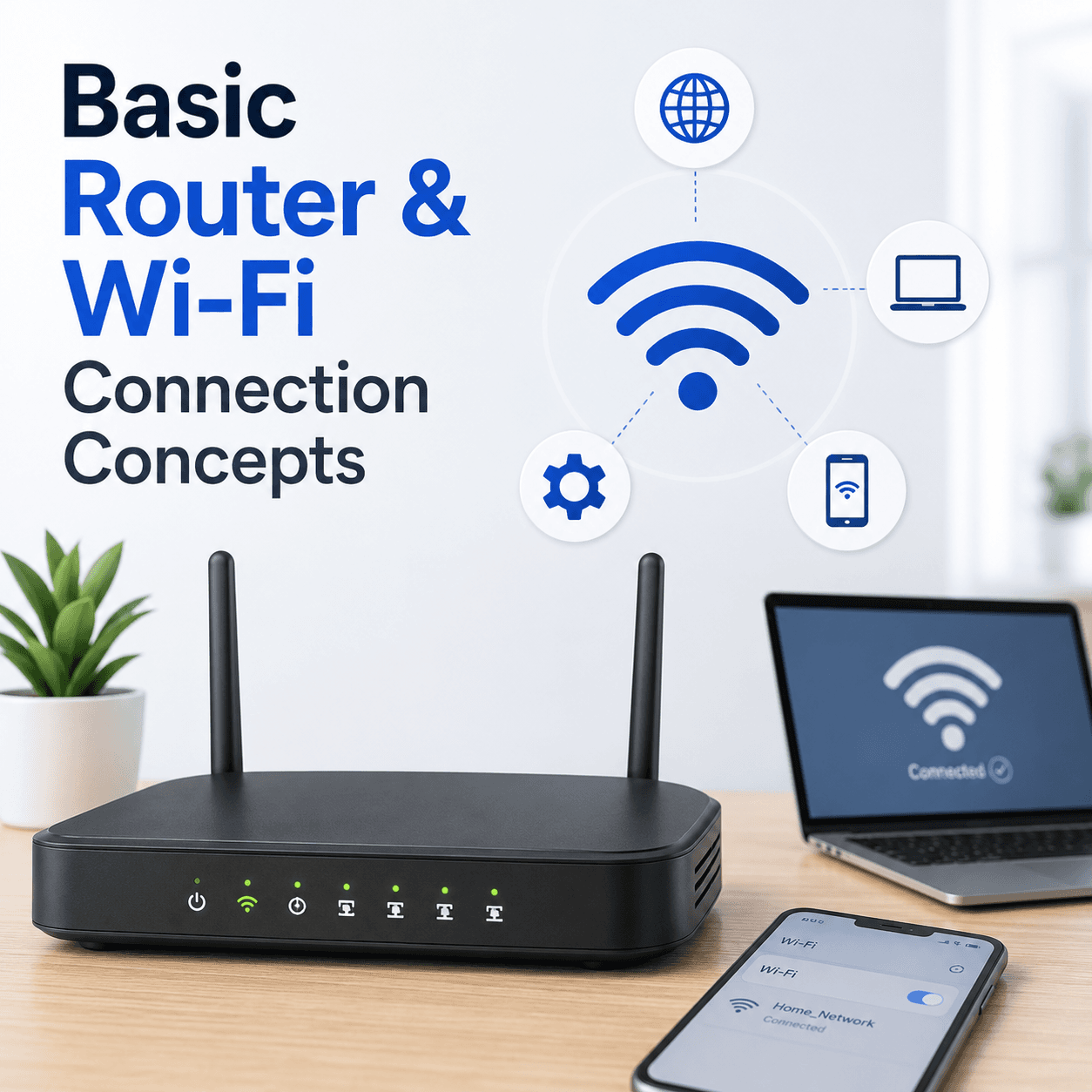
The router is the piece of equipment that turns a single internet connection into a network the whole home can share. Understanding a few core ideas makes everyday Wi-Fi behaviour much easier to interpret.
You do not need to become a network engineer. A handful of concepts — the router as a hub, the admin page, bands and channels, and the line between the local network and the internet — explains the vast majority of what people experience day to day.
This guide covers those ideas in order, so that the next time Wi-Fi behaves oddly you have a mental map of where the issue might live.
The hub
The router links your devices together and shares one internet connection.
Bands
Different Wi-Fi bands trade range for speed and can appear as separate networks.
Local vs internet
A working home network is separate from your internet service being up.
The router as a hub
A router sits between your internet service and your devices. It hands each device a local address and directs traffic so that requests reach the internet and responses come back to the right device. Most home routers also include the Wi-Fi radios that broadcast your wireless network.
Because one box does several jobs, people often use 'router' and 'Wi-Fi' interchangeably at home, even though Wi-Fi is really just one of the router's features. Some homes also have a separate modem that brings the internet in, with the router sharing it around.
Reaching the admin page
Routers have a settings page you open in a web browser using a local address, commonly something like 192.168.1.1. From there you can change the network name, password, and other options. You must be connected to that router's network to reach the page.
If it will not load, the usual reasons are using the wrong address for that model or not being on the network — both about access to the page rather than a fault. The correct address is often printed on a label on the router itself.
Bands, channels, and range
Wi-Fi uses different bands that trade coverage for speed. One reaches further but is slower; another is faster but covers less distance. Some routers show these as separate network names, which is why you may see more than one network from the same device.
Within a band, networks use channels. When many nearby networks crowd the same channel — common in flats and busy neighbourhoods — everyone's speed can dip even with a strong signal. This is why Wi-Fi can feel worse at peak times without anything being broken.
- Distance and walls weaken signal — normal physics, not a defect.
- One band favours range, another favours speed.
- Crowded channels slow everyone, especially in dense areas.
Wired versus wireless
Wired Ethernet connections are generally more stable because they are not affected by distance, walls, or interference the way wireless is. If a device can be plugged in — a desktop or a TV, say — a cable often gives a steadier experience.
Wireless trades a little of that stability for the freedom to roam. Knowing the trade-off helps set expectations: a laptop in a far bedroom will rarely match a desktop wired beside the router, and that is by design rather than a fault.
Router problem or internet problem?
One of the most useful distinctions is whether devices can reach the router but not the internet, or cannot reach the router at all. In the first case the home network is healthy and the issue lies beyond it. In the second, the problem is closer to home.
A quick check — do other devices behave the same way? — helps place the problem. If everything loses internet at once while still showing Wi-Fi, the service or the modem is the likely suspect, not your device.
- The router shares one internet connection across all your devices.
- The admin page needs the right local address and a connection to the router.
- Bands trade range for speed; crowded channels slow everyone down.
- Wired is steadier than wireless by design.
- Reaching the router but not the internet points beyond your home network.
A note on purpose
This article is educational and general in nature. Exact steps and menus vary by device, brand, and software version — always follow the official documentation for your specific hardware. Handy Guide does not offer repair, remote access, or paid support services.
Frequently asked
Many routers broadcast on more than one band, and each can appear as a separate network name. The bands trade range for speed.
Generally yes, because a wired link is not affected by distance, walls, or interference the way wireless is.
It's often printed on a label on the router itself, commonly an address like 192.168.1.1, and you must be connected to that router to open it.
Many nearby networks share the same channels, so congestion can reduce speed even when your own signal is strong.
Related articles
 Networking
Understanding DNS and IP Address Resolution
How website names become addresses, what DNS and the DNS cache do, why 'no internet' can point here, and how name resolution fits into a working connection.
 Networking
Understanding Wireless Network Security Settings
What Wi-Fi security types and passwords protect, why a mismatch can stop a device from connecting, and how to keep a home network private.
 Email
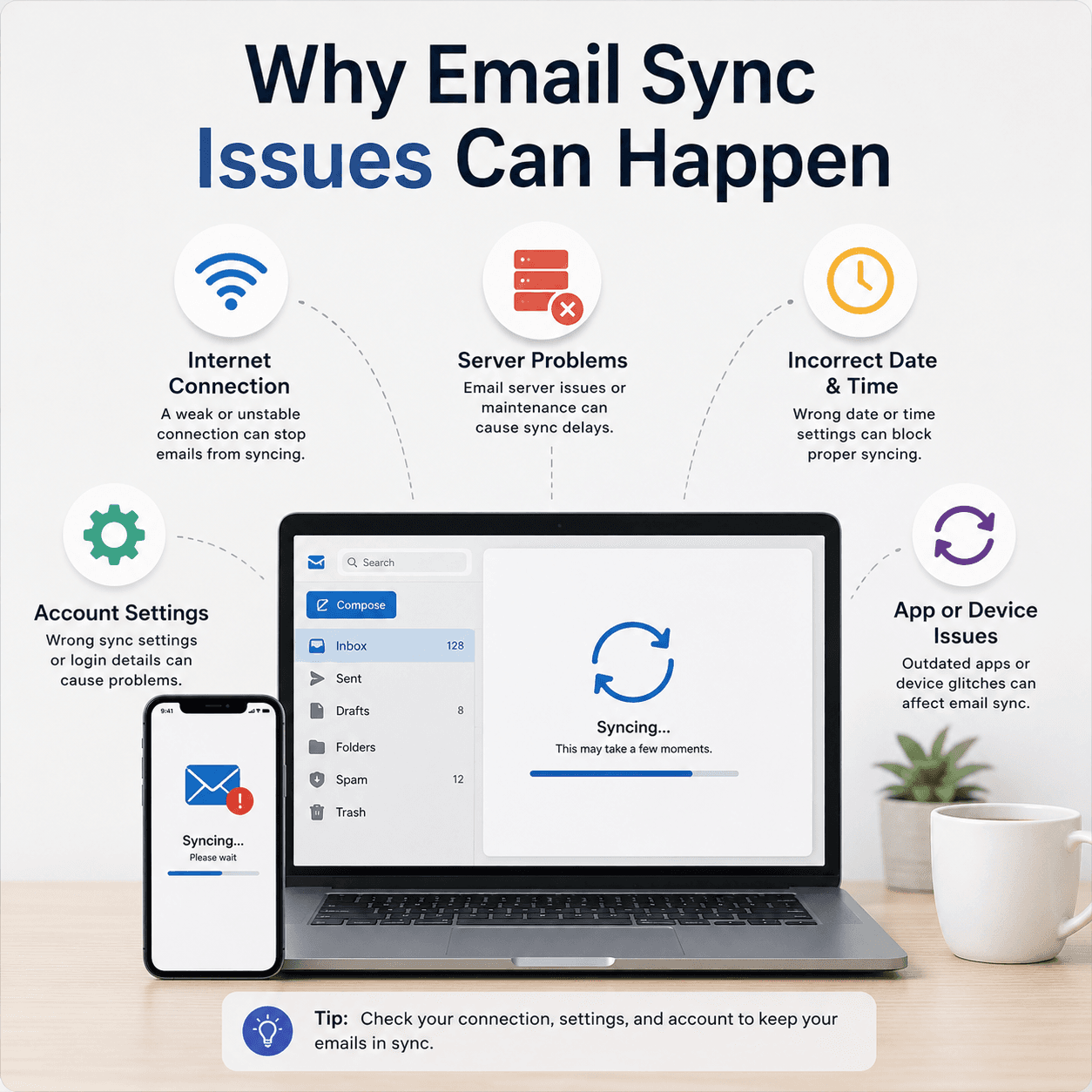
EmailWhy Email Sync Issues Can Happen
The reasons an inbox can stop updating — sync intervals, server-side pauses, account settings, and connection issues — and how to reason about each one.