
How Printer Offline Status Is Usually Understood
7 min read · Updated 2026
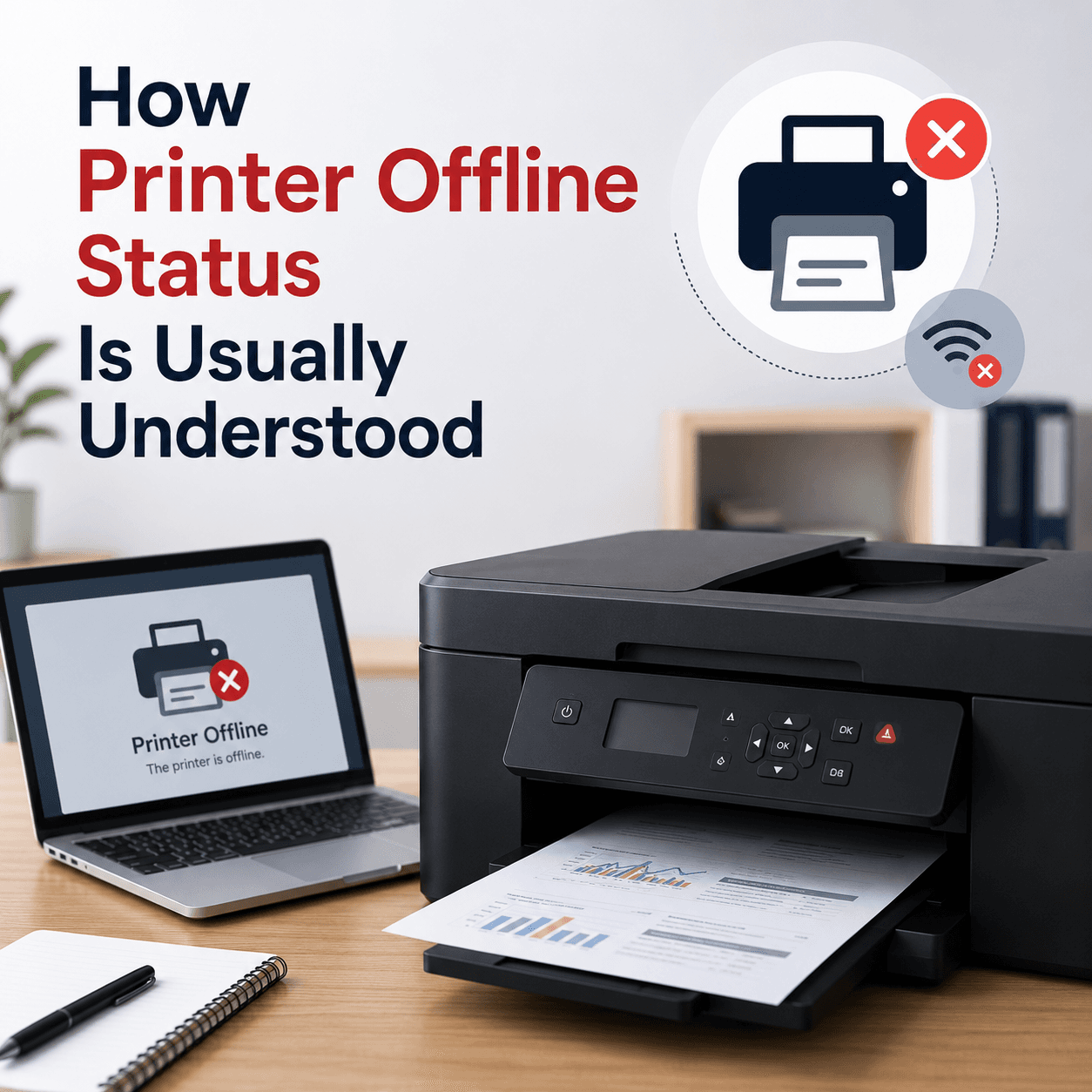
Few printer messages cause as much confusion as 'Offline', especially when the printer is switched on and looks ready. The word describes a communication state, not a broken device.
Reframing offline as 'temporarily out of contact' rather than 'faulty' changes how the whole situation feels. The printer is usually perfectly capable; Windows simply cannot confirm it can talk to it right now.
This guide explains what offline means, why the cause differs by connection type, and how the print spooler is involved.
A communication state
'Offline' means Windows can't confirm two-way contact right now.
Depends on connection
USB points to the cable; wireless points to the network.
Spooler involvement
The print service's state can affect whether a printer shows online.
What offline means
'Offline' means Windows currently cannot confirm two-way communication with the printer. The computer is not receiving the responses it expects, so it marks the printer unavailable until contact is restored.
This is a state that can change moment to moment. A printer can be perfectly functional and still show offline simply because the connection lapsed or the device went to sleep.
USB versus wireless
On a USB printer, offline usually points to the physical link — the cable or the printer's power. On a wireless or network printer, it more often means the computer and printer are not reachable to each other on the network at that moment, perhaps because one is on a different network or has dropped its connection.
Because the likely cause differs by connection type, identifying how your printer connects is the first useful step in understanding an offline status.
- USB: check the cable, port, and printer power.
- Wireless: check that both are on the same network.
- A sleeping printer can appear offline until it wakes.
The spooler's role
The print spooler is the Windows service that manages the queue and communication with the printer. Its state can influence whether a printer appears online, and a paused or confused spooler can contribute to an offline status even when the hardware is fine.
Seeing offline as a combination of connection and spooler state — rather than a hardware failure — makes it far less alarming and points troubleshooting in a productive direction.
Why it seems to come and go
Offline status often appears intermittent, working one day and not the next. On wireless printers this usually reflects the network: a printer that sleeps to save power, or briefly loses its connection, can flip between ready and offline without anyone changing anything.
This intermittency is a clue in itself. A problem that comes and goes is more consistent with a connection or power-saving behaviour than with a permanent fault, which would tend to be constant.
A calmer way to think about it
The most useful mindset is to treat offline as a question — 'can these two devices reach each other right now?' — rather than a verdict on the printer's health. That question has a small set of answers: the connection, the printer's power state, or the spooler.
Framed this way, an alarming red status becomes an ordinary, narrow thing to understand. The printer is almost always fine; something in the line of communication simply needs to be re-established.
- 'Offline' means out of contact, not broken.
- USB offline usually points to the cable or power.
- Wireless offline usually points to the network connection.
- The spooler's state can affect whether a printer shows online.
- Intermittent offline status suggests connection or power-saving, not a fault.
A note on purpose
This article is educational and general in nature. Exact steps and menus vary by device, brand, and software version — always follow the official documentation for your specific hardware. Handy Guide does not offer repair, remote access, or paid support services.
Frequently asked
No. It means Windows cannot currently communicate with the printer. The device is often perfectly functional once the connection is restored.
Wireless printers depend on the network being reachable. If the printer and computer lose their shared connection, the printer shows offline.
Intermittent offline status often reflects a printer sleeping to save power or briefly losing its network connection, rather than a fault.
Yes. A paused or confused spooler can contribute to a printer appearing offline even when the hardware is fine.
Related articles
 Printing
How to Reset a Printer to Factory Defaults
What a factory reset does, when it can help, the difference between a soft and hard reset, and the general steps involved in returning a printer to its original settings.
 Printing
When a Printer Only Prints Blank Pages
The usual explanations for blank output — ink and toner, protective seals, how a page is rendered, and driver or connection factors — in a clear order.
 Printing
How to Share a Printer on a Local Network
The concepts behind sharing one printer with several computers, the difference between shared and network printers, and the requirements that make it work.